
What is free right now, and what is locked for later?
Every row in your menu is one of three things: yours today, part of a plan, or not for sale yet. The row itself tells you which.
Updated 15 September 2026
Look for the rows with no padlock
Control Centre, Community and Subscribers carry no padlock — they aren't on a plan at all. Nor is Settings, at the bottom. If you never add anything else, those stay exactly as they are.
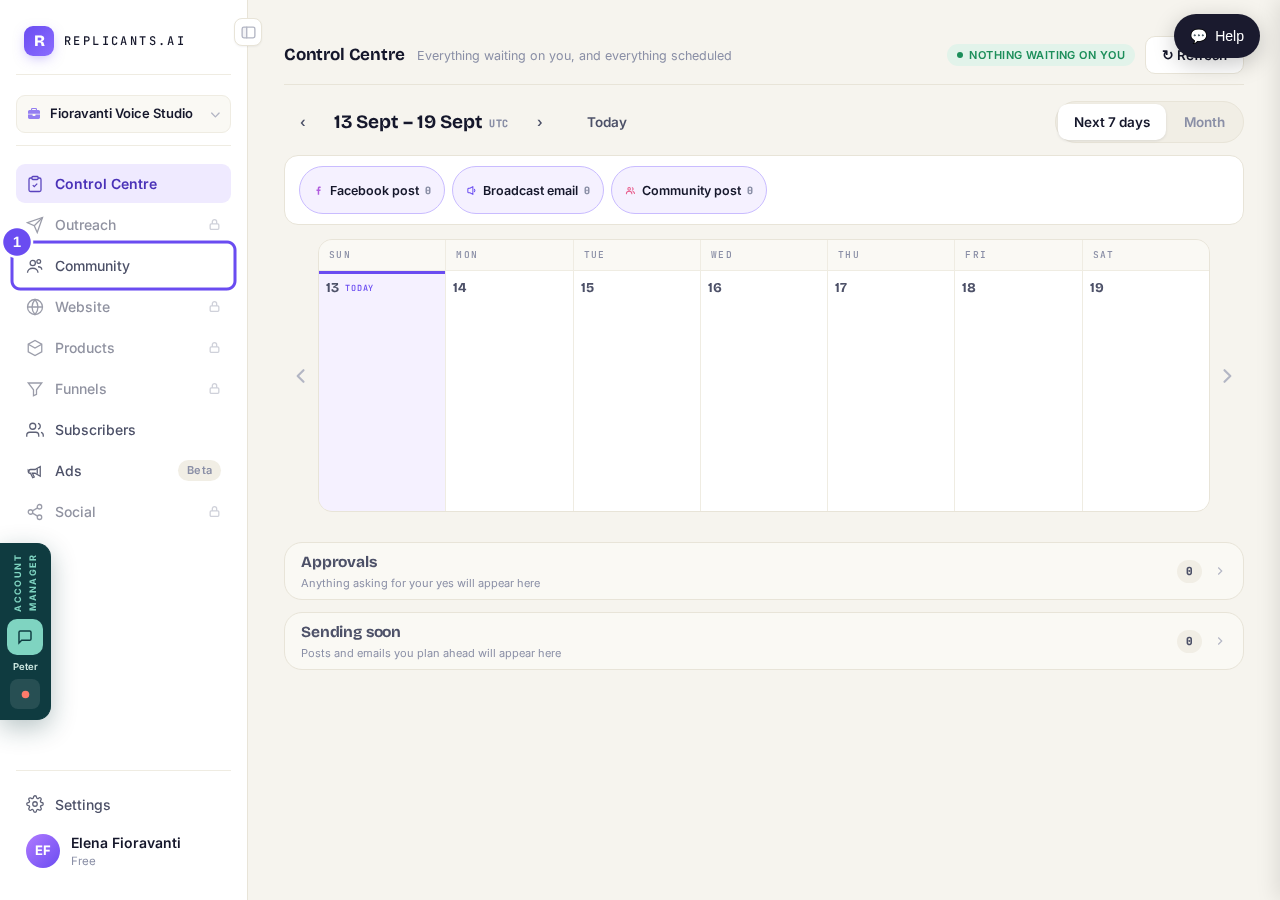
Community, and above and below it Control Centre and Subscribers — no padlocks.
Take me therePress a padlock to see the price
Press a padlocked row and the plan screen opens with what it includes and what it costs. Website, Products, Funnels and Social are one plan, so they arrive together. Outreach is a separate plan of its own.
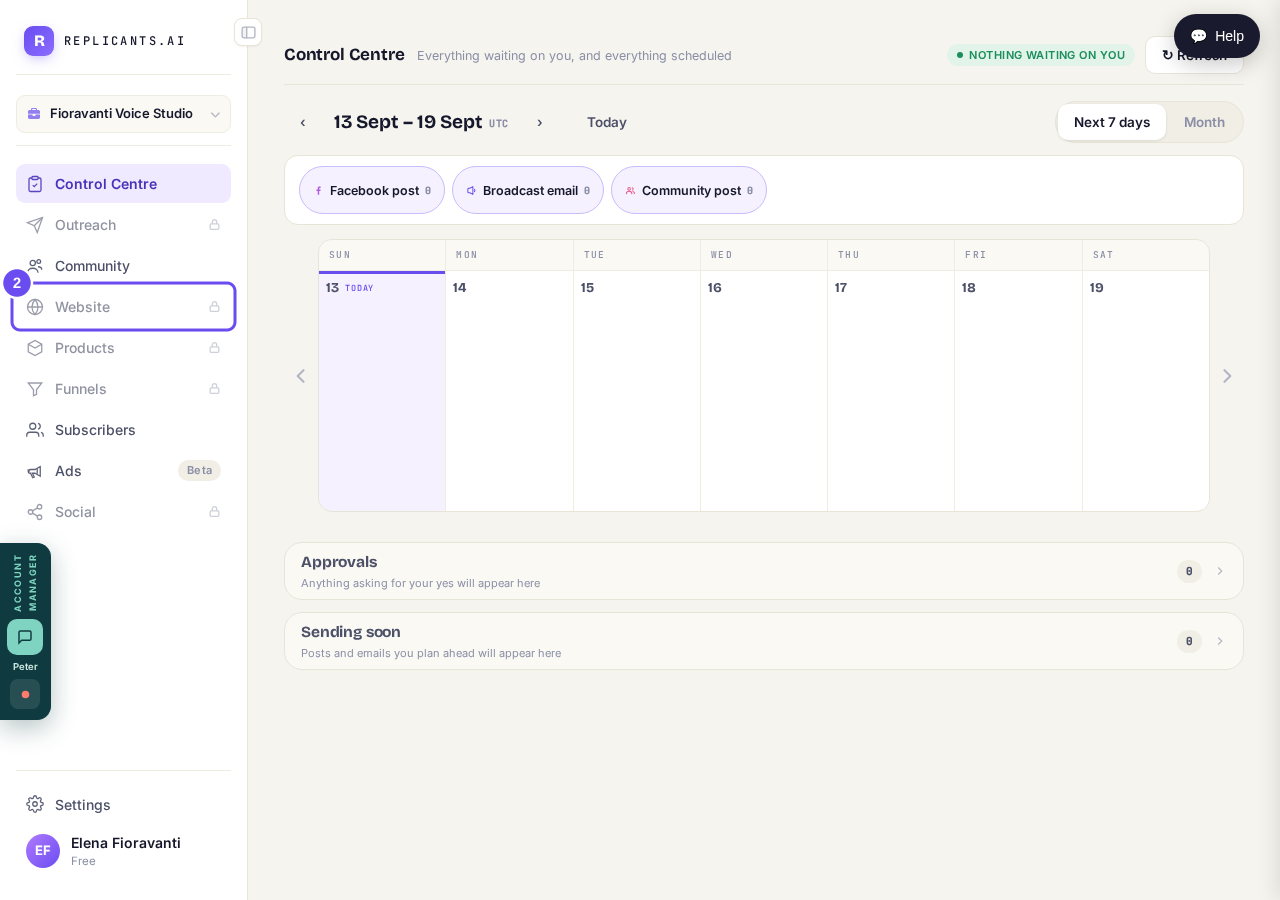
A padlock is a door, not a wall — the row stays where it is.
Take me thereRead Beta as not for sale yet
Ads says Beta, not padlocked. Beta means it isn't finished and isn't for sale — pressing it asks whether you want to be on the list for when it opens. Upgrading won't turn it on.
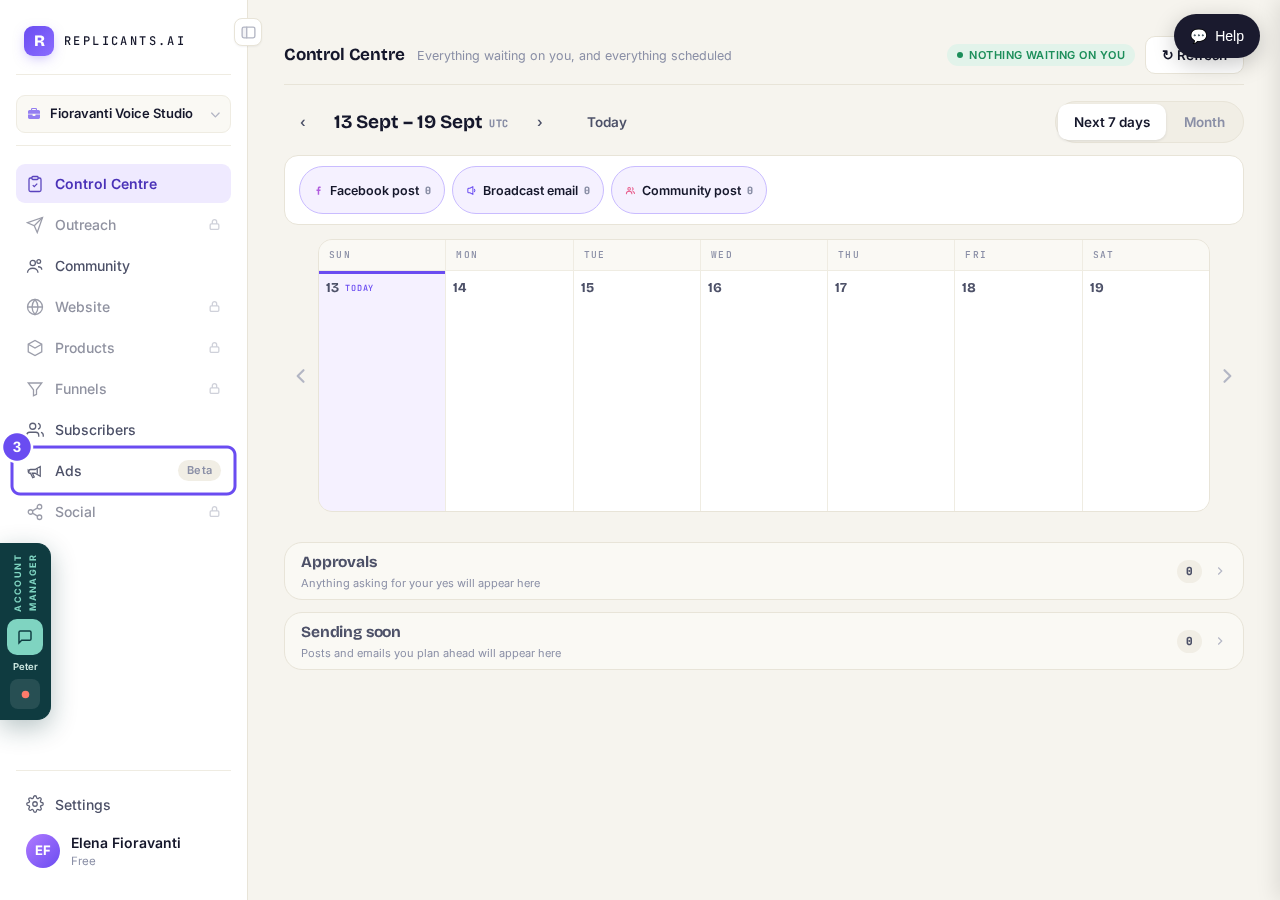
No padlock on Ads. It is not locked — it is not for sale yet.
I cannot find the screen I am looking for. How are the menus laid out?
Related articles
How do I close my account and have my data removed?
Three different things, and it's worth knowing which you want. Cancelling stops a payment. Closing ends the account. Deletion removes your information.
How do I sign in? I was never asked to choose a password.
Accounts are made without a password, so there's nothing to guess. Send yourself a fresh link from the sign-in panel and choose one. There's no default password.
I cannot find the screen I am looking for. How are the menus laid out?
Two menus run down the left. The outer one lists areas; the inner one lists the pages inside whichever area you're in. Two presses gets you anywhere.