
How do I sign in? I was never asked to choose a password.
Accounts are made without a password, so there's nothing to guess. Send yourself a fresh link from the sign-in panel and choose one. There's no default password.
Updated 15 September 2026
Press Log in, then Forgot Password
Press Log in at the top of the website. A small panel asks for an email and password; underneath it is Forgot Password. Use that — there's nothing to guess at.
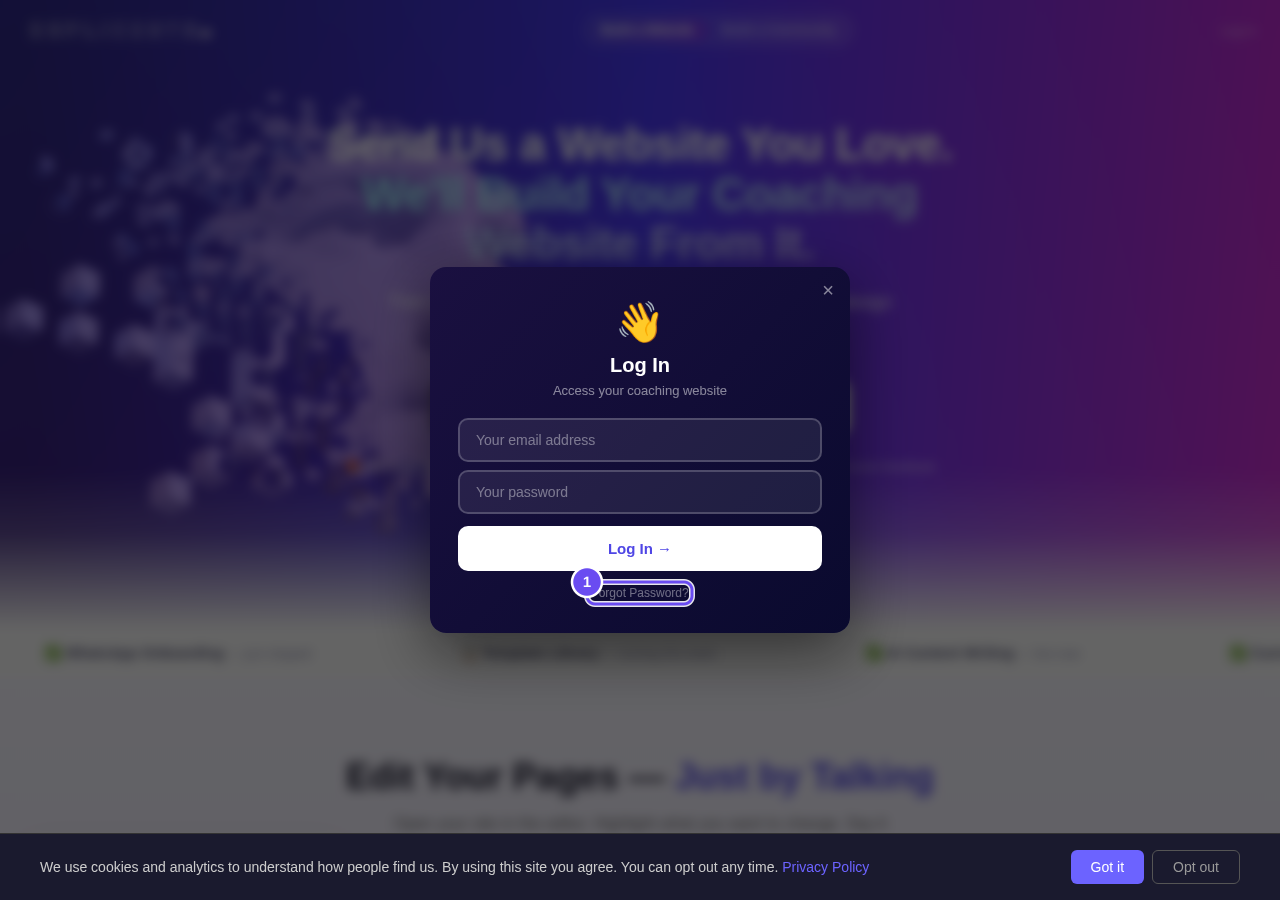
The sign-in panel, and the line underneath it that does the work.
Type the email you signed up with
Type the address your account was made with — the one our emails arrive at — and press Send Reset Link. If nothing comes in a couple of minutes, check spam: a second request replaces the first link.
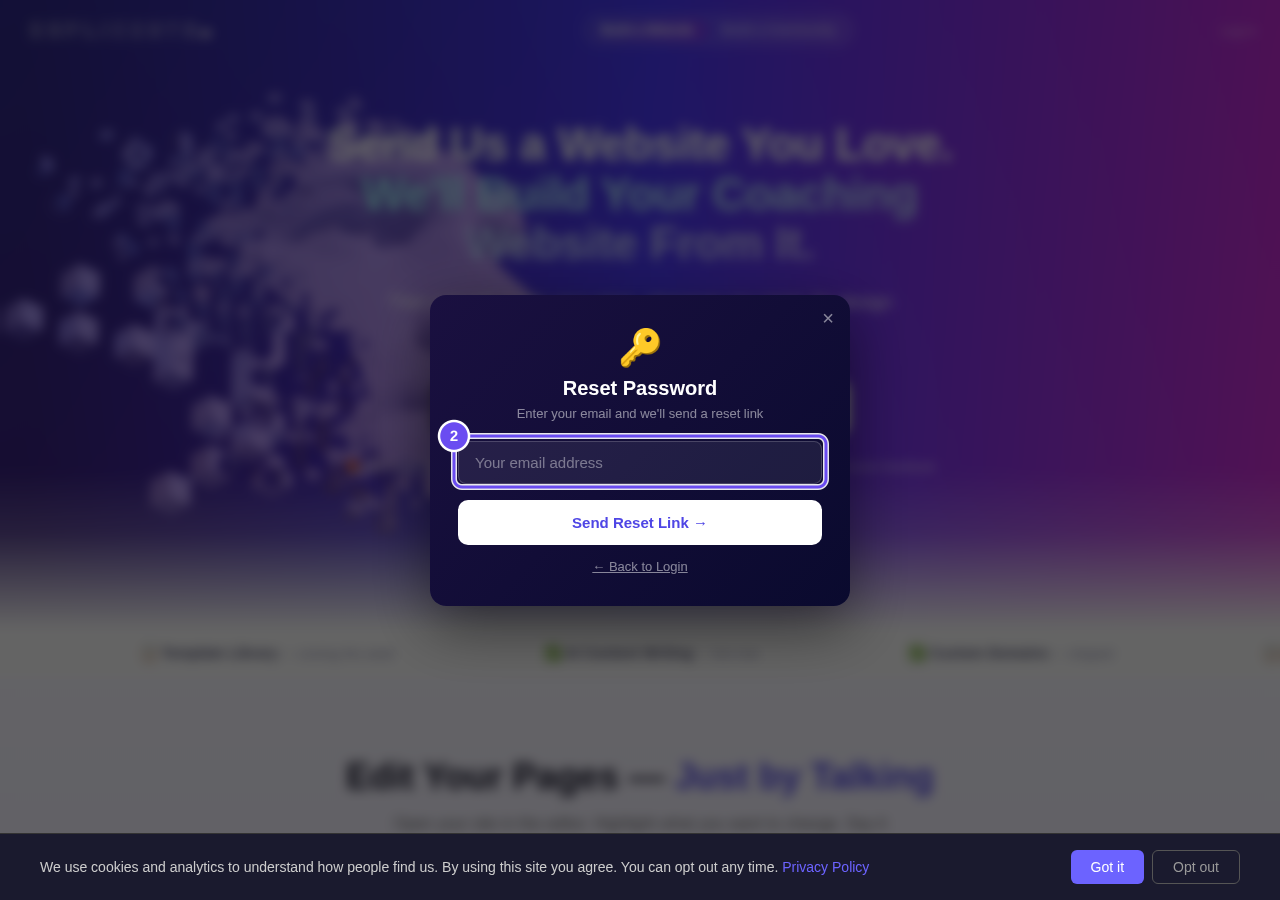
One box, one button, and a new link in your inbox.
Choose a password, twice
Open the link, type the password you want twice, and press Set Password. You're signed straight in, and that password works on the panel from now on. If the link says expired, send another.
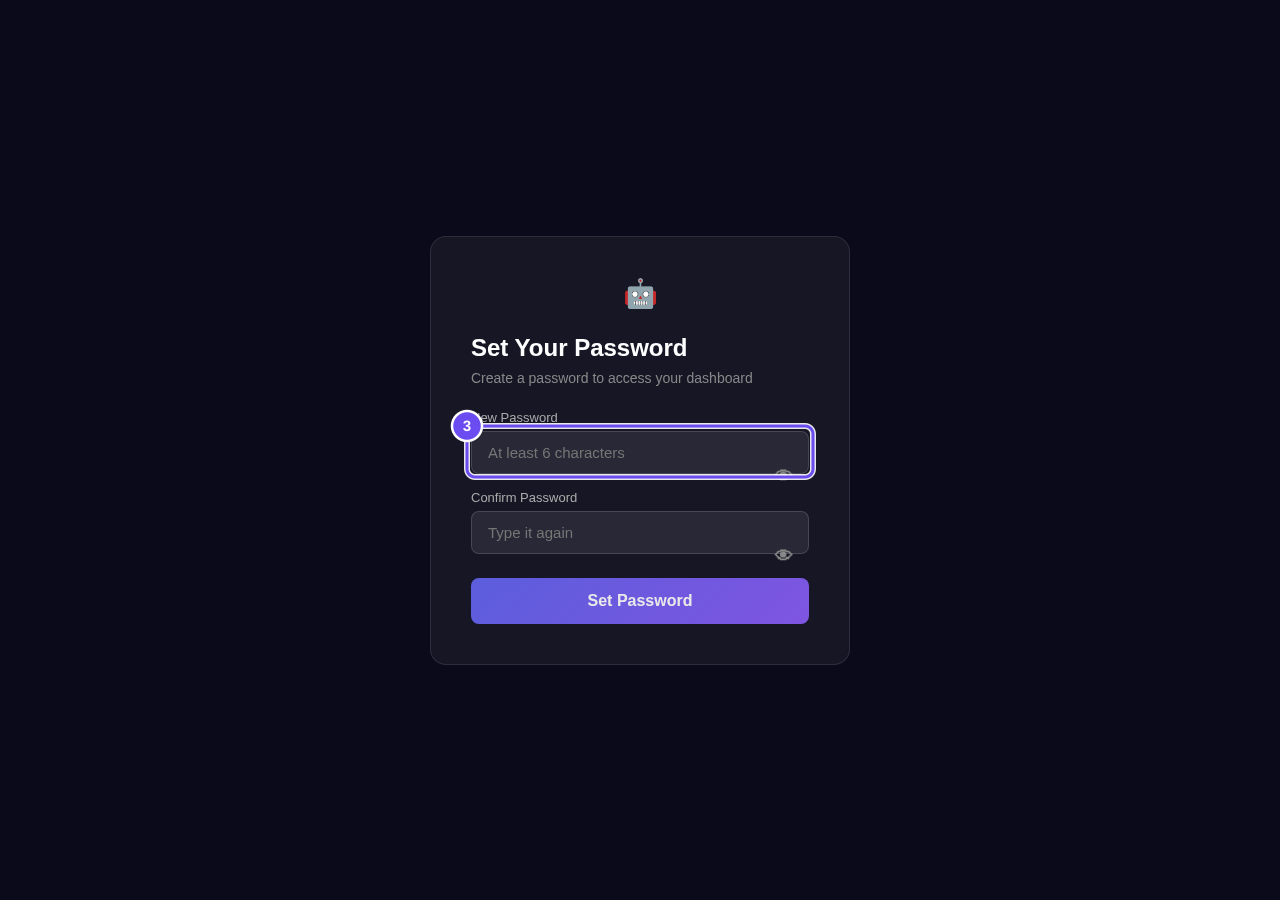
Two boxes, and you are in.
I cannot find the screen I am looking for. How are the menus laid out?
Related articles
How do I close my account and have my data removed?
Three different things, and it's worth knowing which you want. Cancelling stops a payment. Closing ends the account. Deletion removes your information.
I cannot find the screen I am looking for. How are the menus laid out?
Two menus run down the left. The outer one lists areas; the inner one lists the pages inside whichever area you're in. Two presses gets you anywhere.
What am I paying for, and how do I stop it?
One screen answers both halves: every plan you're on, what it costs, when the next payment goes out, and how to stop it.