
How do I close my account and have my data removed?
Three different things, and it's worth knowing which you want. Cancelling stops a payment. Closing ends the account. Deletion removes your information.
Updated 15 September 2026
Take me there
Cancel a plan to stop the money
Press Cancel on a paid plan, on your Billing screen. It runs to the end of the period you've paid for, leaves your other plans alone, and deletes nothing. It's the one you can undo yourself.
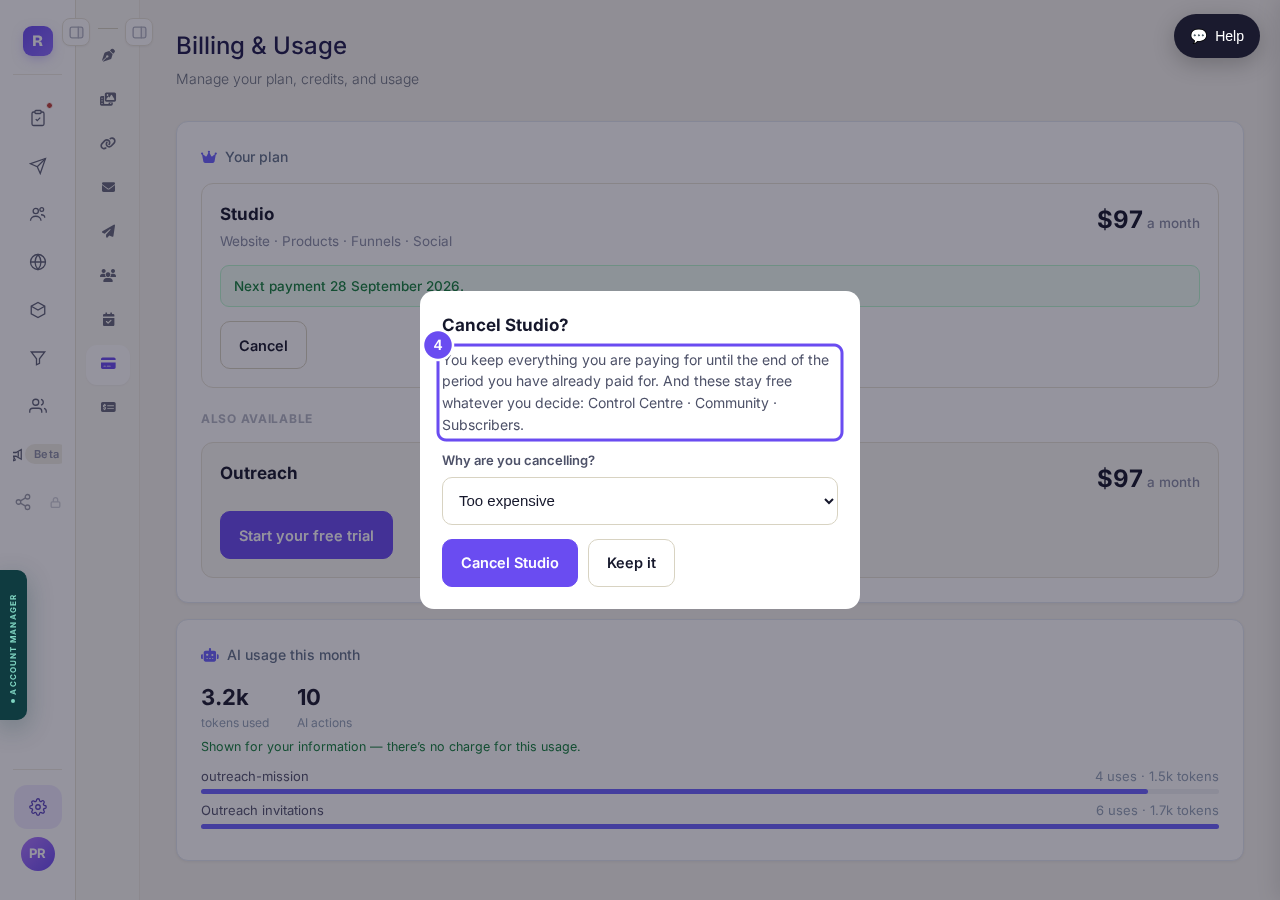
Cancelling: the money stops, everything else stays.
Take me thereAsk us to close the account
There's no button — write and ask us to close it. Signing in stops, platform emails stop for good, running plans are cancelled, and you leave the communities and their lists. It deletes nothing; ask and we can reopen it.
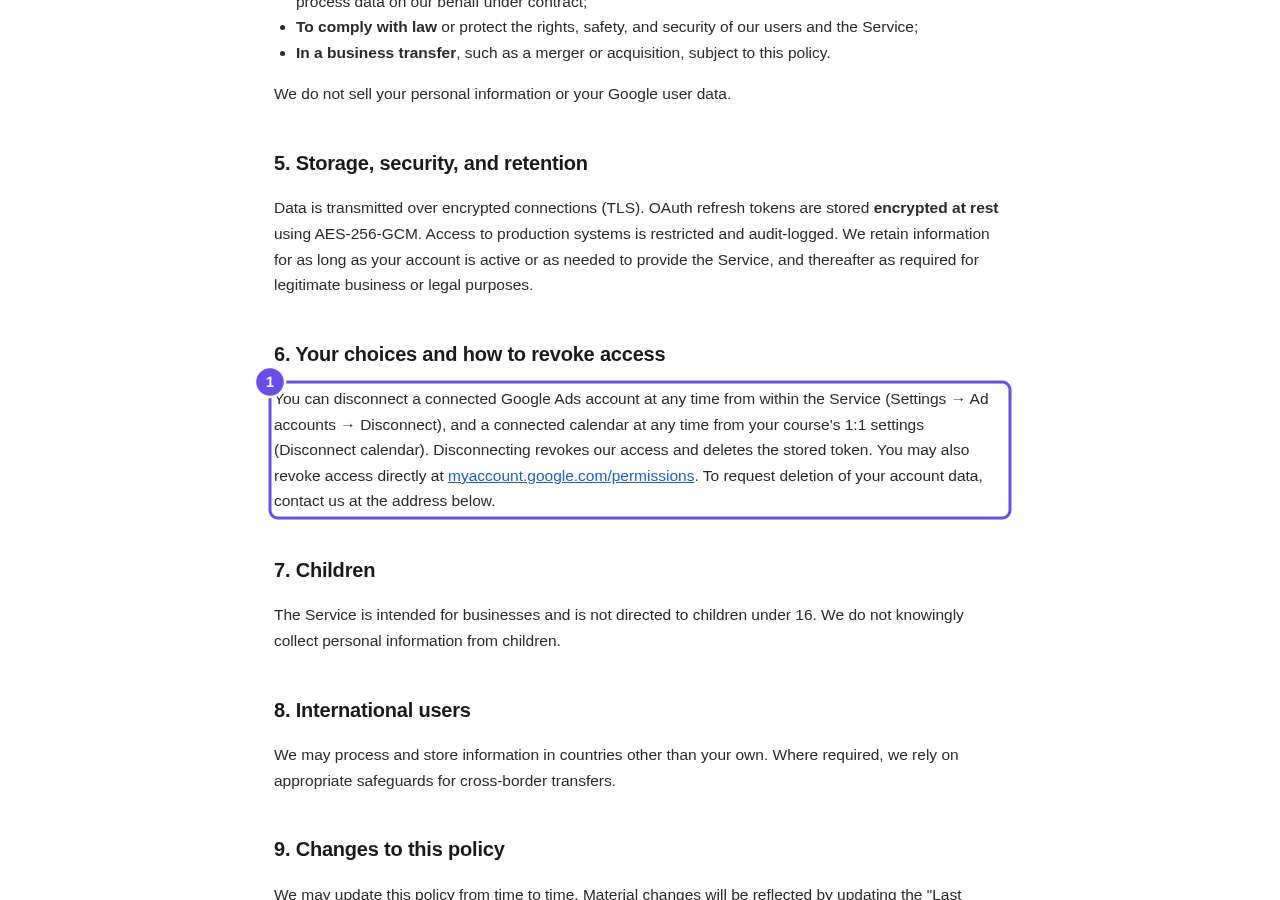
The policy's own line about asking for removal.
Say deletion if you mean deletion
Say deletion, not closure, if that's what you mean — closing an account doesn't start a deletion. The address for both is at the foot of the privacy policy: support@replicants.ai. One sentence naming which you want is enough.
The address, at the foot of the policy.
What am I paying for, and how do I stop it?
Related articles
How do I sign in? I was never asked to choose a password.
Accounts are made without a password, so there's nothing to guess. Send yourself a fresh link from the sign-in panel and choose one. There's no default password.
I cannot find the screen I am looking for. How are the menus laid out?
Two menus run down the left. The outer one lists areas; the inner one lists the pages inside whichever area you're in. Two presses gets you anywhere.
What am I paying for, and how do I stop it?
One screen answers both halves: every plan you're on, what it costs, when the next payment goes out, and how to stop it.