
How does a new member get welcomed?
One email goes out the moment someone joins, carrying their way in. A good one already sends. This is how to make it sound like you.
Updated 15 September 2026
Open Community, then Automated emails
The menu says Automated emails; the screen calls itself Emails & DMs. Same screen. You land on the Community row, Sign-up tab — the email a new member gets.
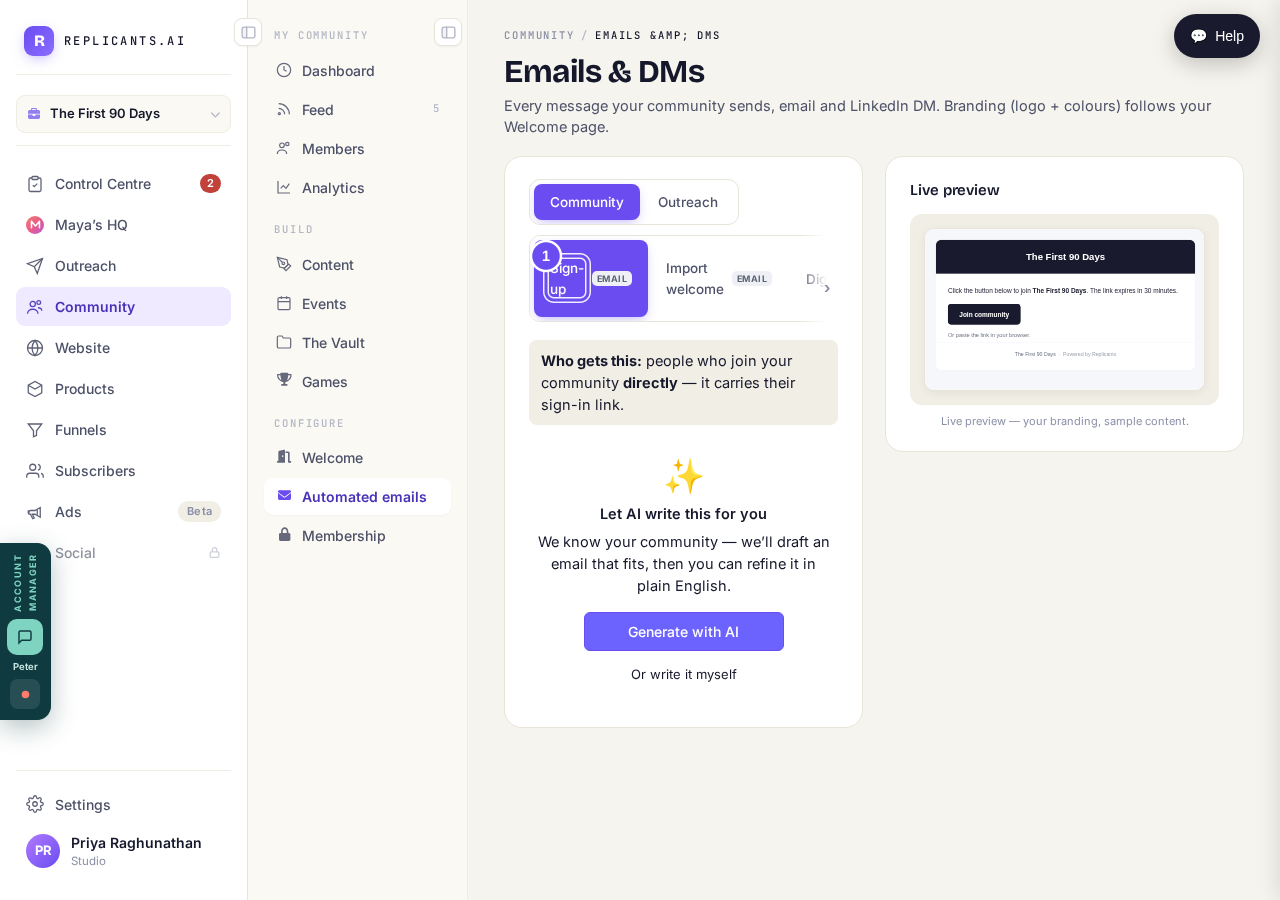
You land on Sign-up. That is the one a new member gets.
Take me thereRead the line saying who gets it
The screen says it goes to people who join directly, and carries their sign-in link. That link is the way in — no password to invent or lose.
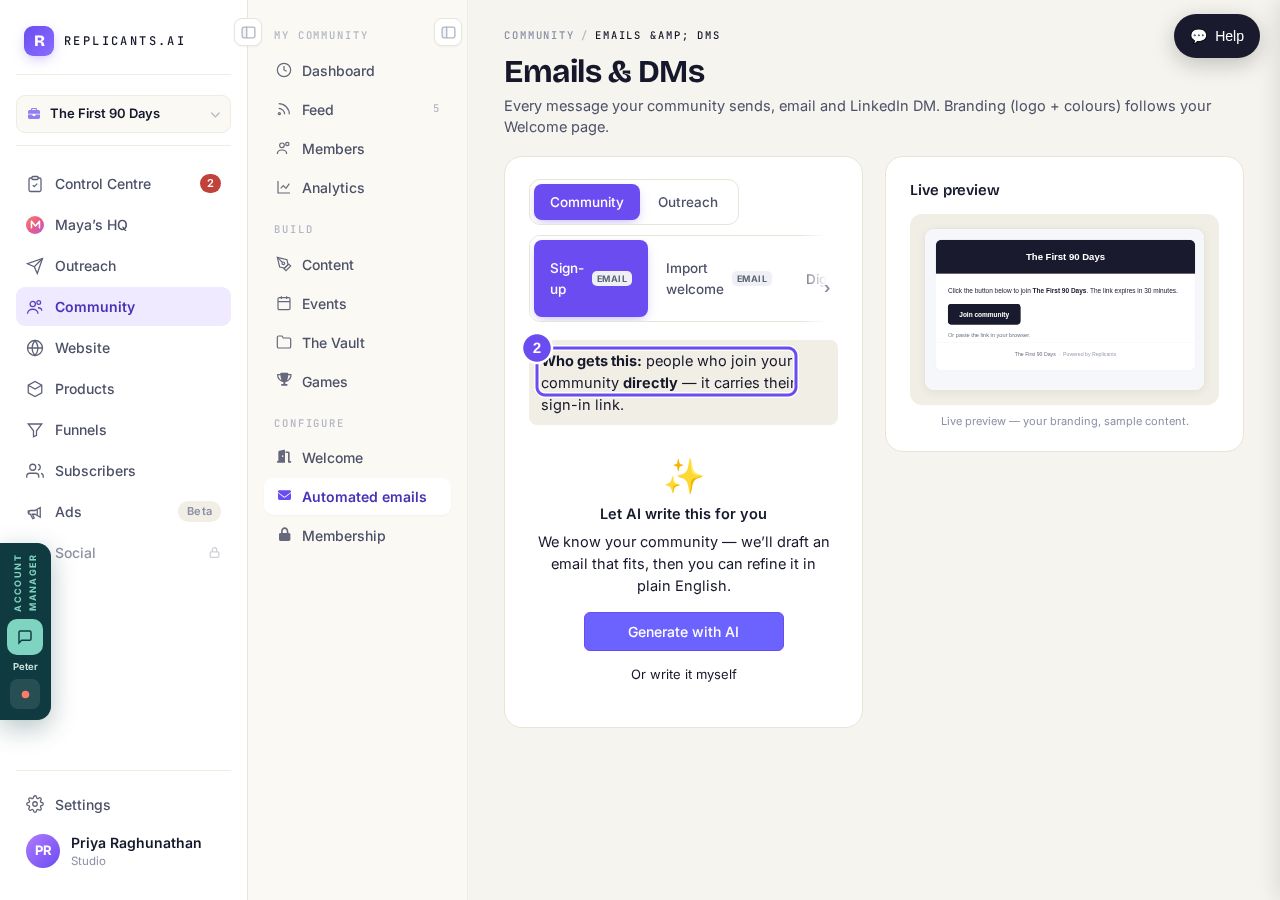
The screen says who gets it: people who join, directly.
Take me therePress Generate with AI
Under Let AI write this for you, press Generate with AI. You get a full email back, written from your community's own name and description. Or write it myself opens the fields empty.
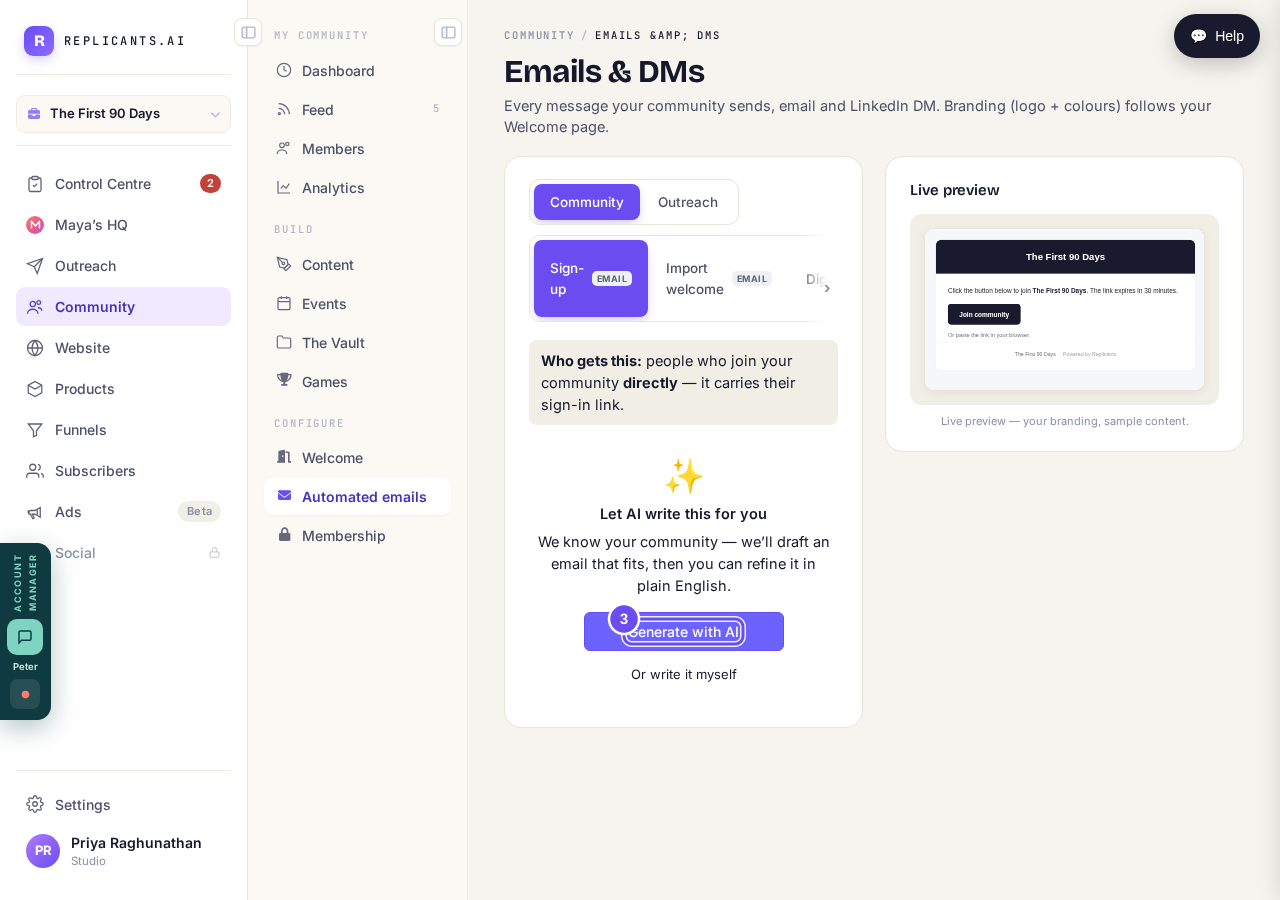
She already has your community's own words. No blank box.
Take me thereSay what you want changed
Use the box asking what to change — warmer and shorter, mention our weekly calls, less salesy — then press Regenerate with this feedback. Send a test to myself puts it in your inbox.
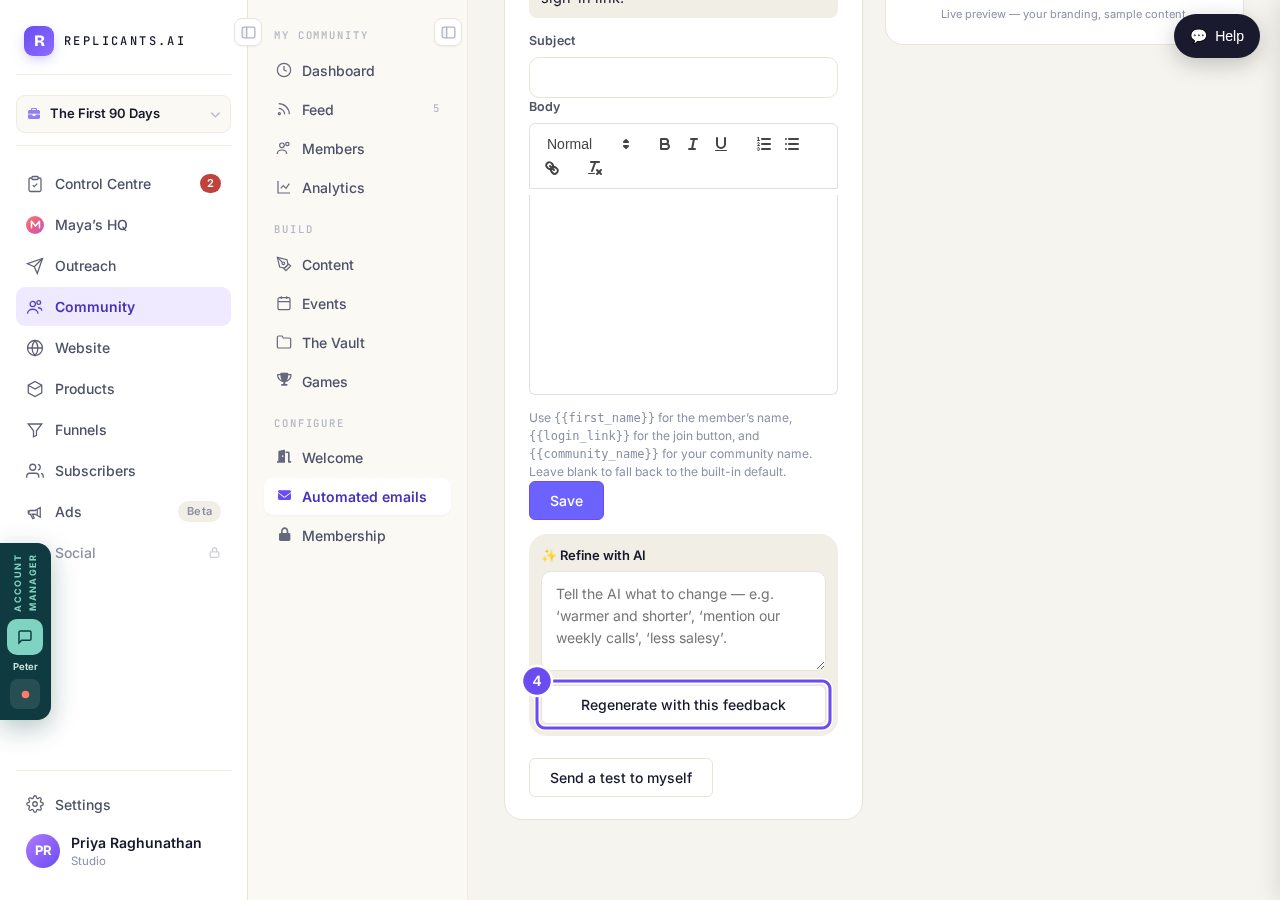
Tell it what to change. It rewrites. Then send yourself a test.
Take me therePress Save when it reads right
The line under Subject and Body explains the tokens: first name, login link, community name. Keep the login link — it's the door. Press Save and your version goes out next.
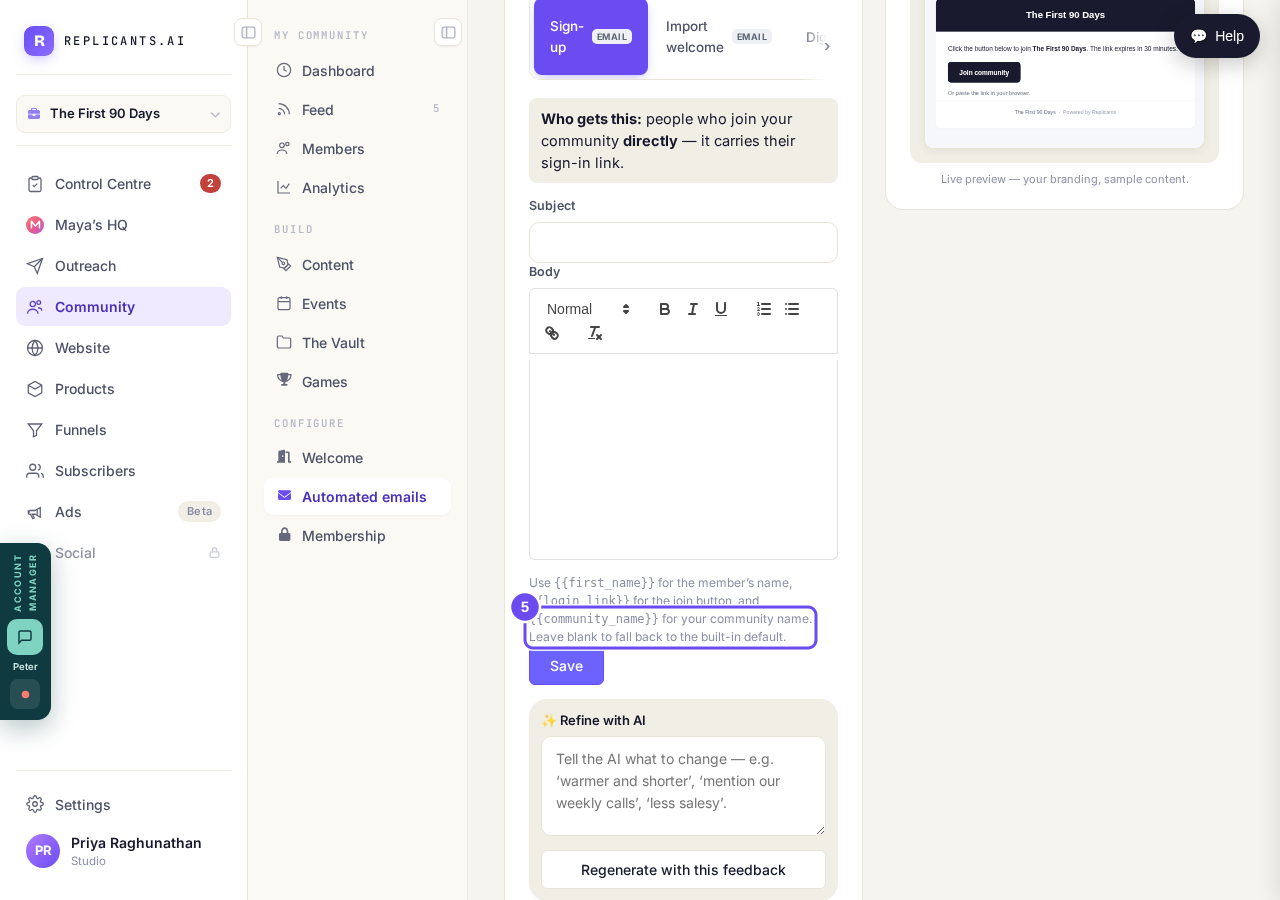
Leave it blank and the built-in one comes back. Nothing is unrecoverable.
Take me there
How do I get members into my community?
Related articles
Can I check comments before they go up?
Turn on comment approval and every member comment waits for you. It's a separate switch from the one for posts.
Can I message one member privately, and can members message each other?
Message one member from Community, then Members. Their reply comes back to that screen, not your email. Members messaging each other is a separate setting.
Can I read what members post before it goes up?
Yes — one setting. Off, member posts appear at once. On, nothing appears until you've read it. The waiting ones don't sit in the Feed.