
How do I check a comment before it goes out?
Comments are written for you, then wait. Nothing is posted in your name until you read it and press Approve. About five minutes a day.
Updated 15 September 2026
Open Comments and read the three headings
Pending review is waiting for you. Queued to send is approved and going out shortly. Sent has already gone. The number beside each says where the work is.
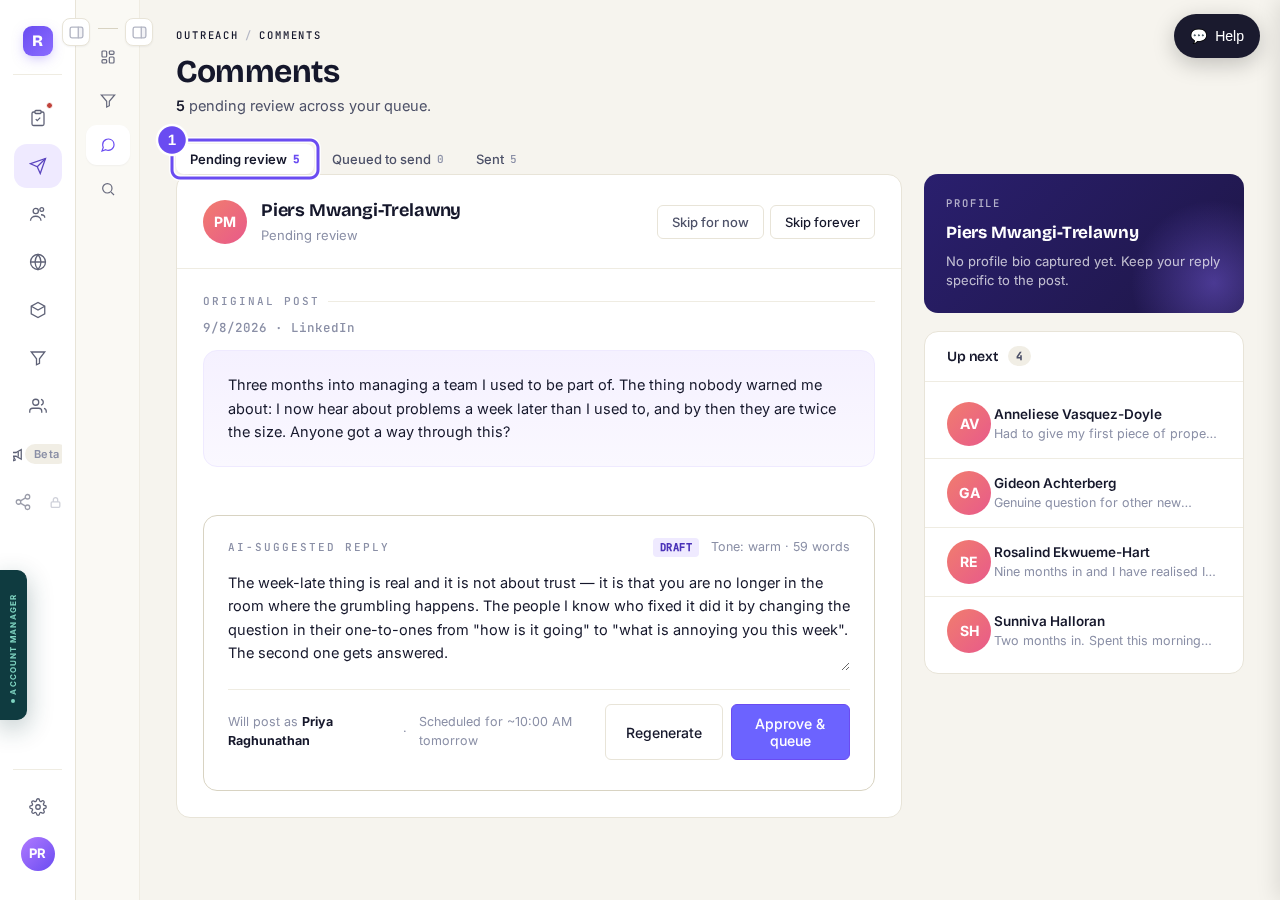
Three headings across the top. The first one is your queue.
Take me thereRead their post first
The panel marked Original Post is what this person put on LinkedIn. Read it before the reply.
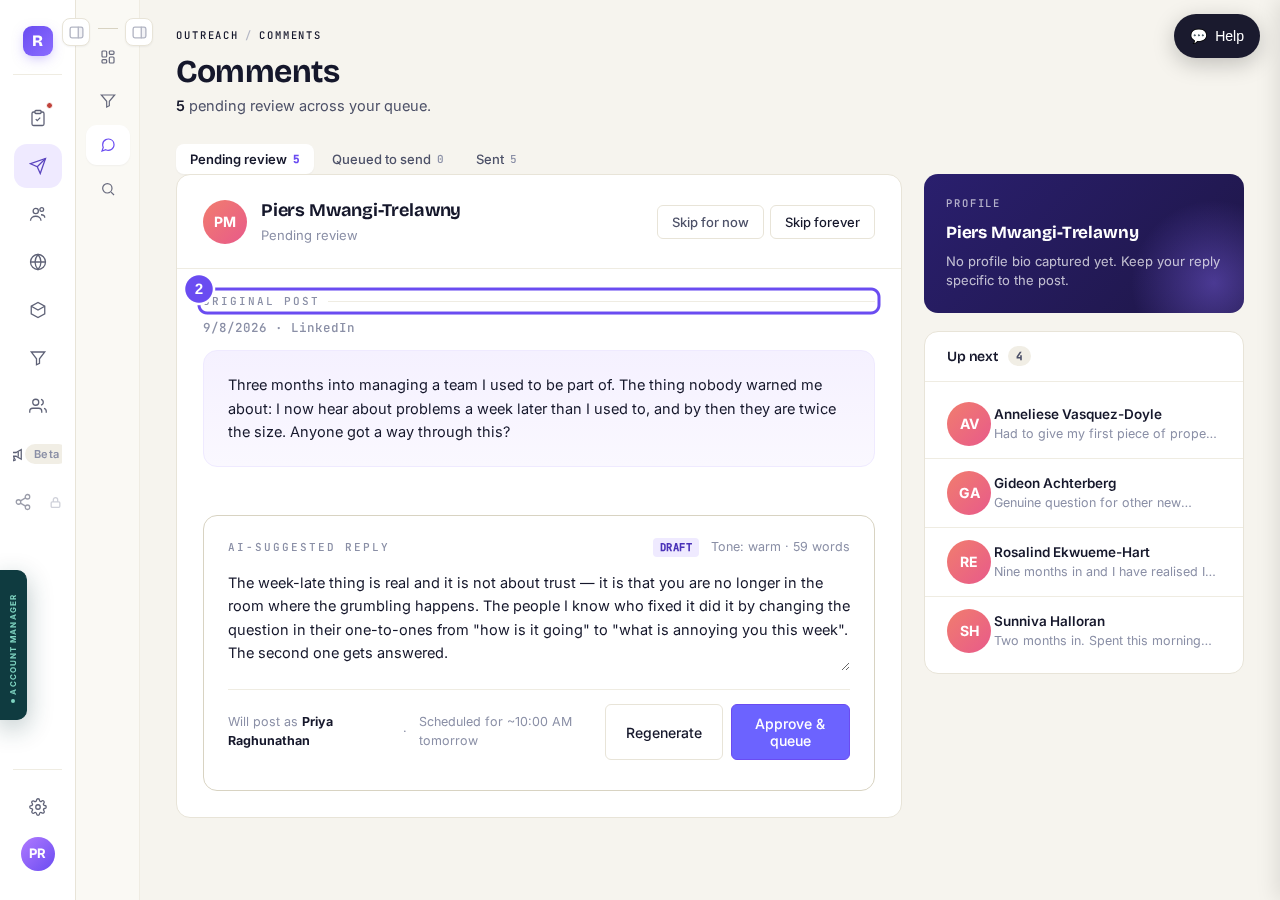
Their post, in their words. Read this before the reply.
Read the draft and change it
The reply underneath is a draft in your voice, and you can type in the box. Underneath it says whose name it goes out under, and roughly when. Regenerate writes a different one.
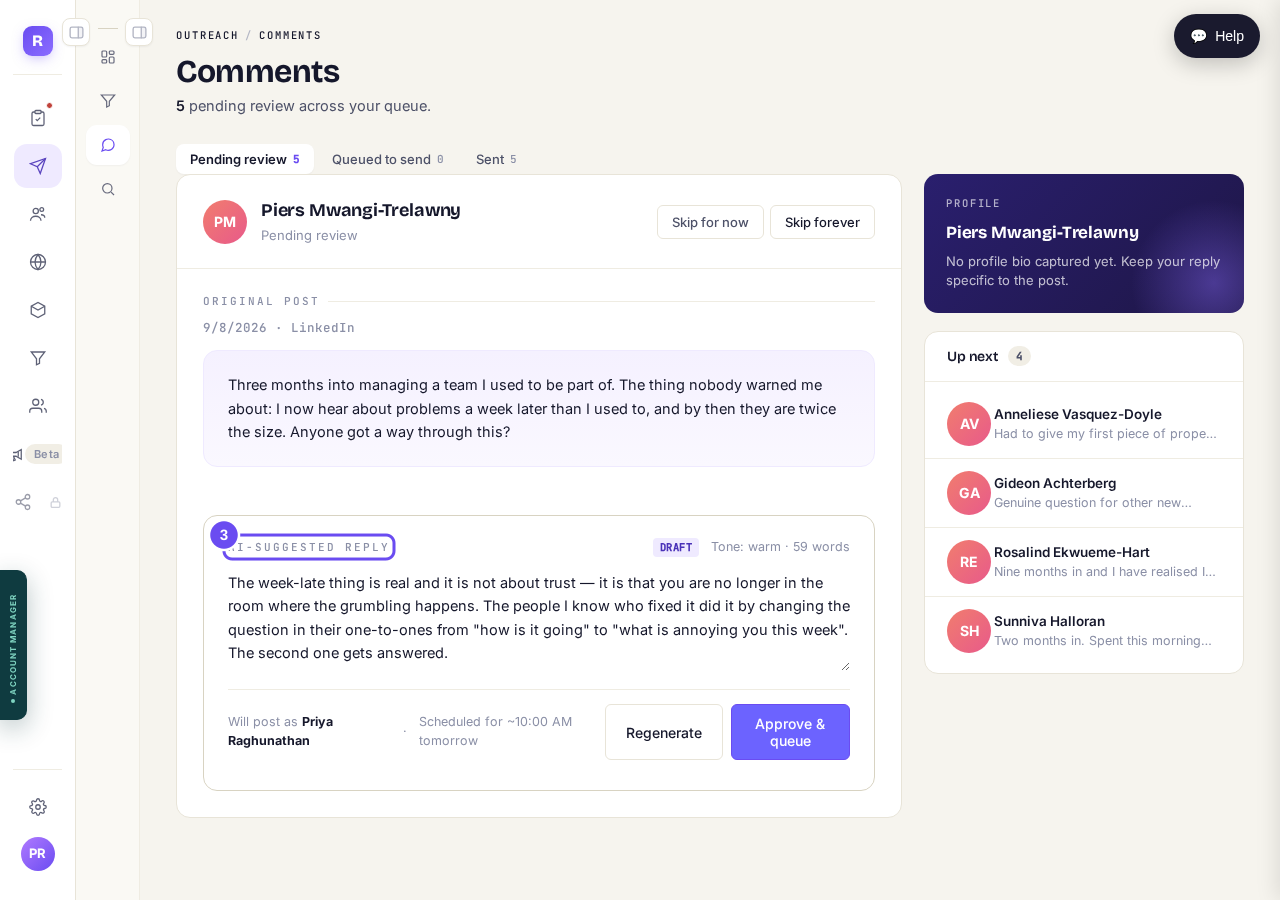
The draft can be edited. It goes out under your name, at the time shown.
Approve it, or skip it
Approve and queue sends it to the queue, spaced through the day rather than all at once. Skip for now puts this person back for another time. Skip forever stops us commenting on them again.
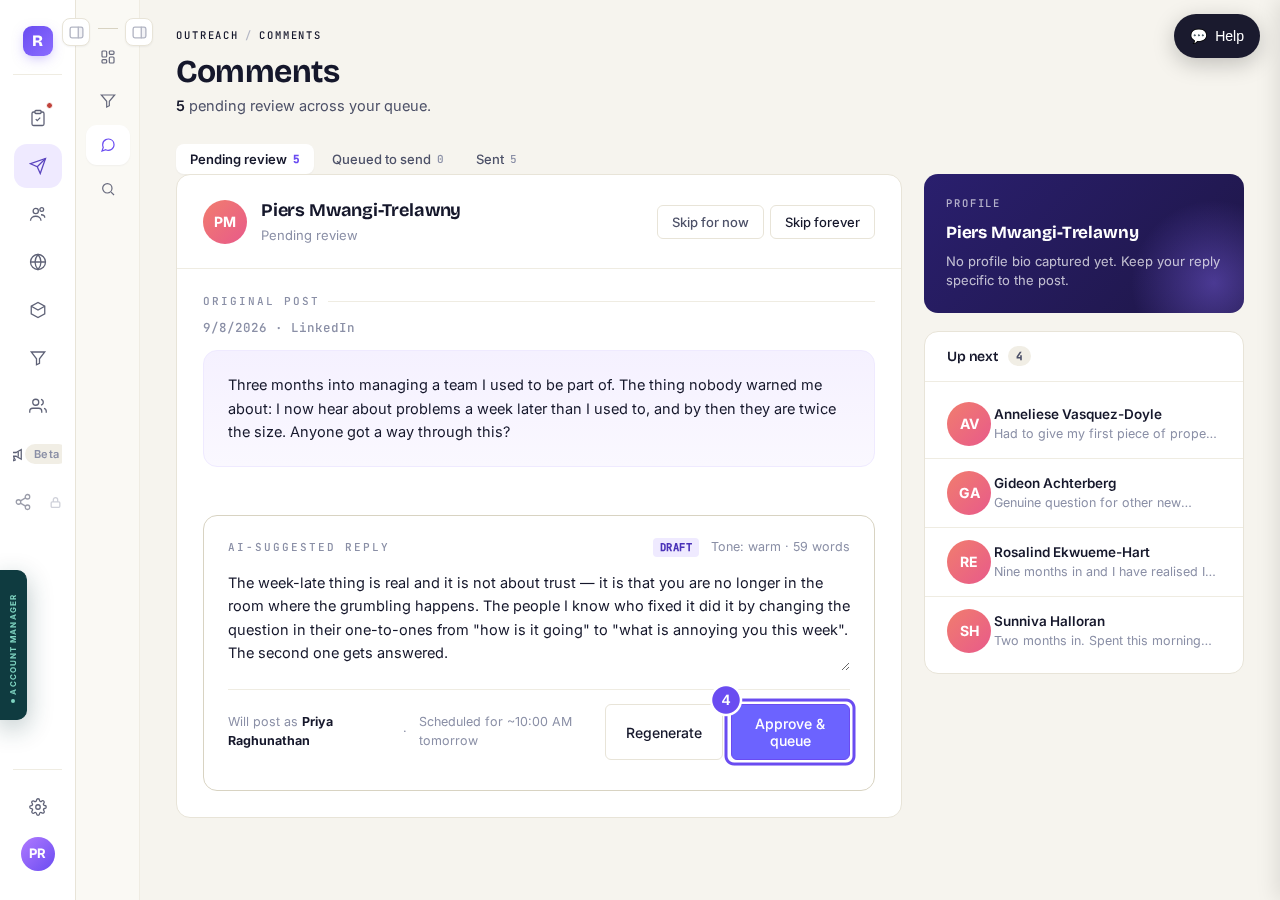
Approve queues it. Nothing is posted before you press this.
Check Sent to see what went out
Everything you approved ends up here, with what was posted and who it went to. It's the record of what has been said in your name.
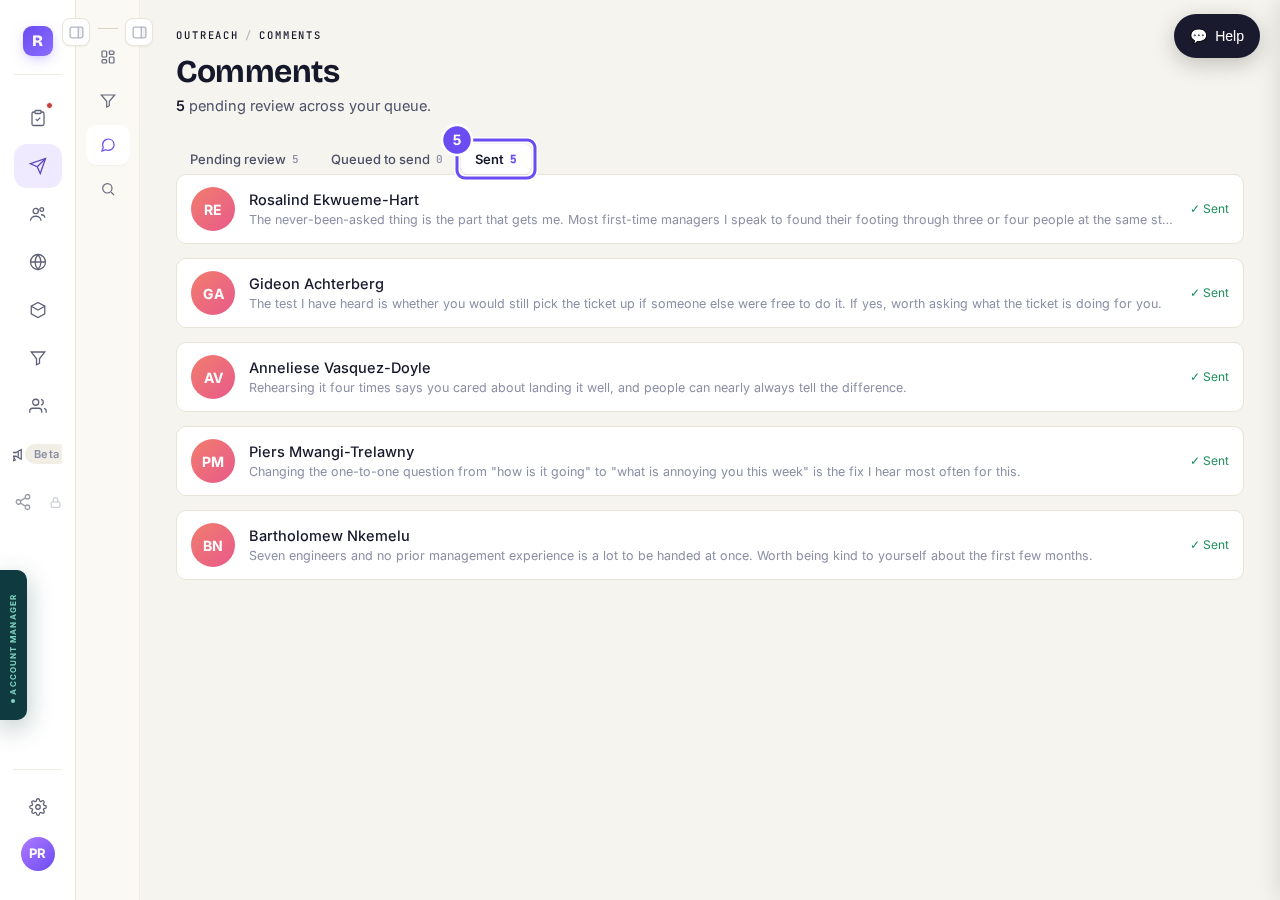
What has already gone out in your name.
What does the invitation say, and can I change it?
Related articles
Can I use Outreach on Instagram or X?
Not yet. Today Outreach works on LinkedIn only, through your own account. Instagram and X are coming soon, and nothing you set up now is wasted.
How do I find the right people to reach?
Outreach only finds people through sources you pick: influencers your audience follows, and groups they post in. Ten minutes, once.
How do I see what Maya is doing for me?
Outreach runs on its own every day. The first of the four Outreach screens is where you check what it did.