
How do I find the right people to reach?
Outreach only finds people through sources you pick: influencers your audience follows, and groups they post in. Ten minutes, once.
Updated 15 September 2026
Take me there
Open Outreach and press Discover
Outreach is four screens and Discover is the fourth. It's the only one about finding people.
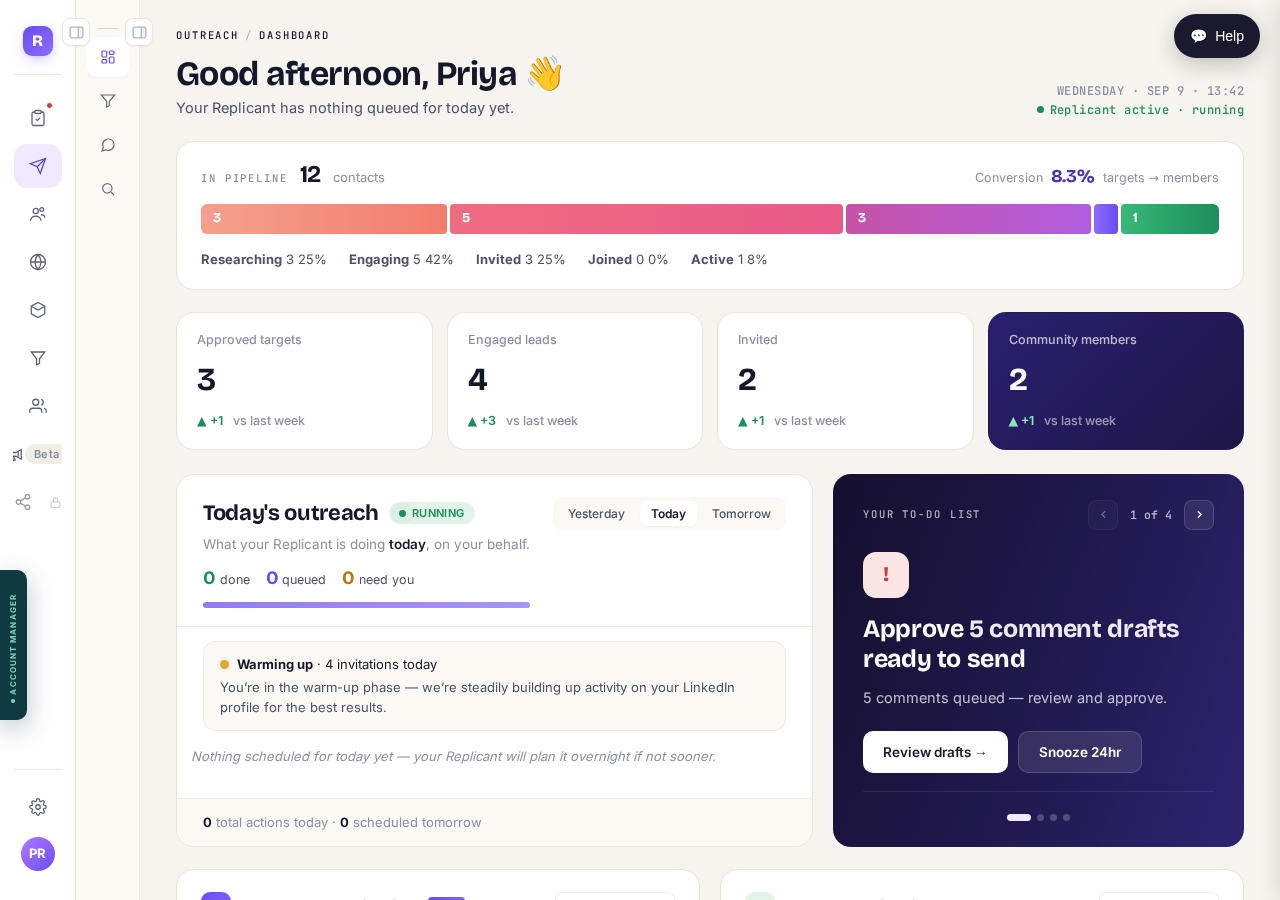
With both menus folded away, Outreach is four icons in the second column. Discover is the magnifier at the bottom of them.
Take me thereRead what it matches against, then press Yes
The first time, Discover shows your community description and asks whether to find people for it. That description is the whole basis of the matching. If it's wrong, press the other button and fix it first.
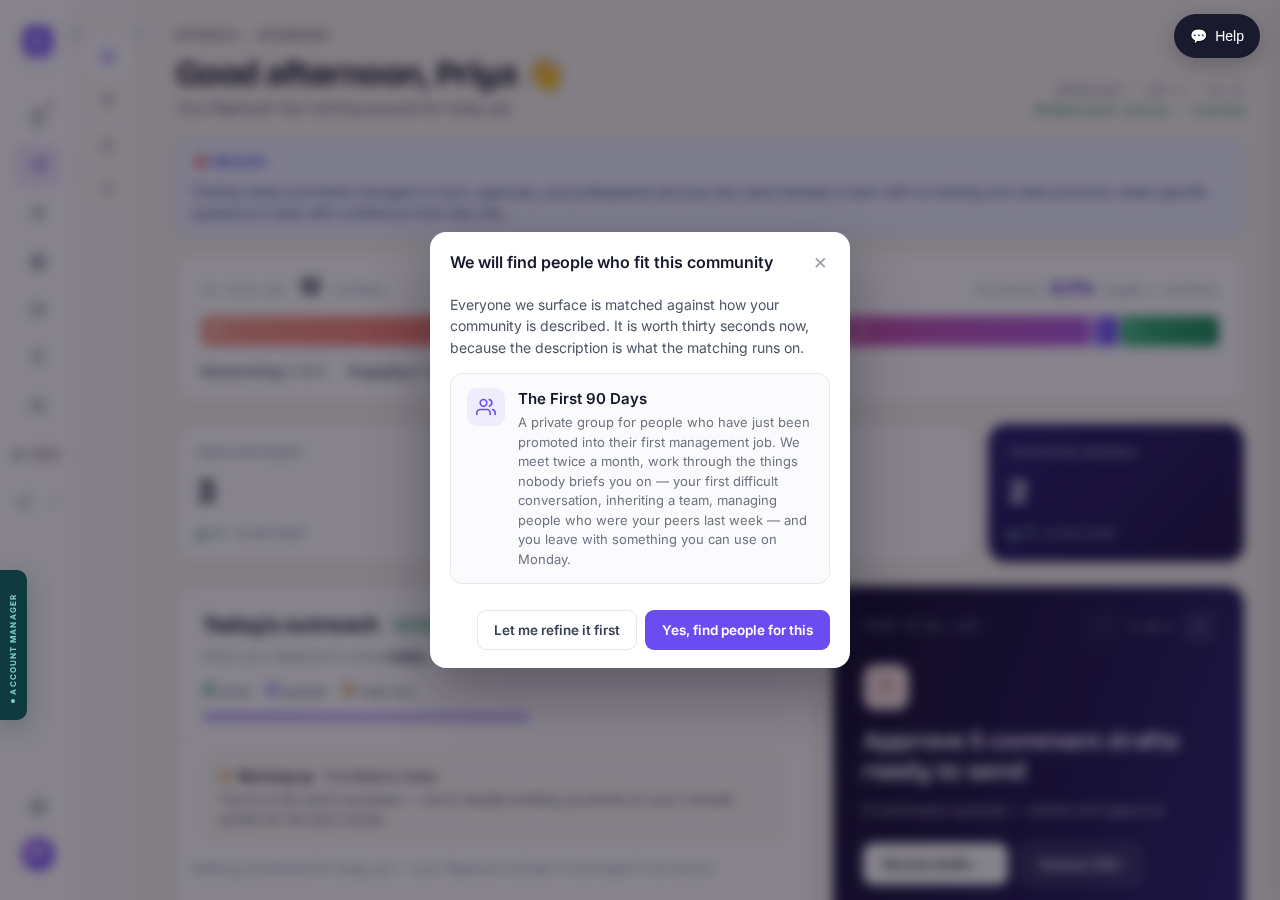
Everyone you are shown is matched against these words. Read them before pressing Yes.
Read the reason, then press Watch this one
Every suggestion carries a percentage and a reason. The reason matters more: it says which part of your audience that source reaches. Not interested removes it.
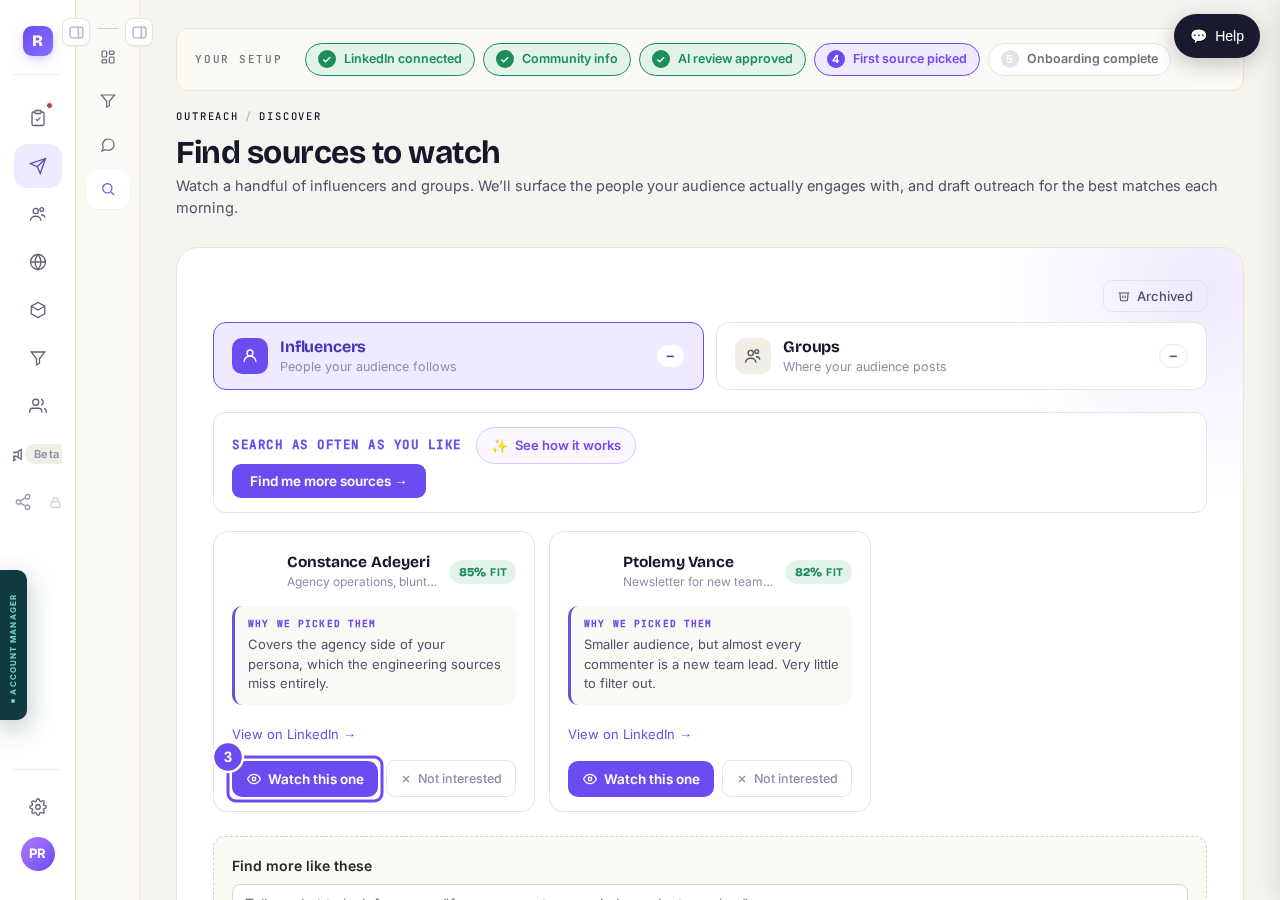
The reason under each name says which part of your audience that source reaches.
Do the same for Groups
Influencers are people your audience follows. Groups are where your audience posts. They bring different people, so two or three of each works better than five of one.
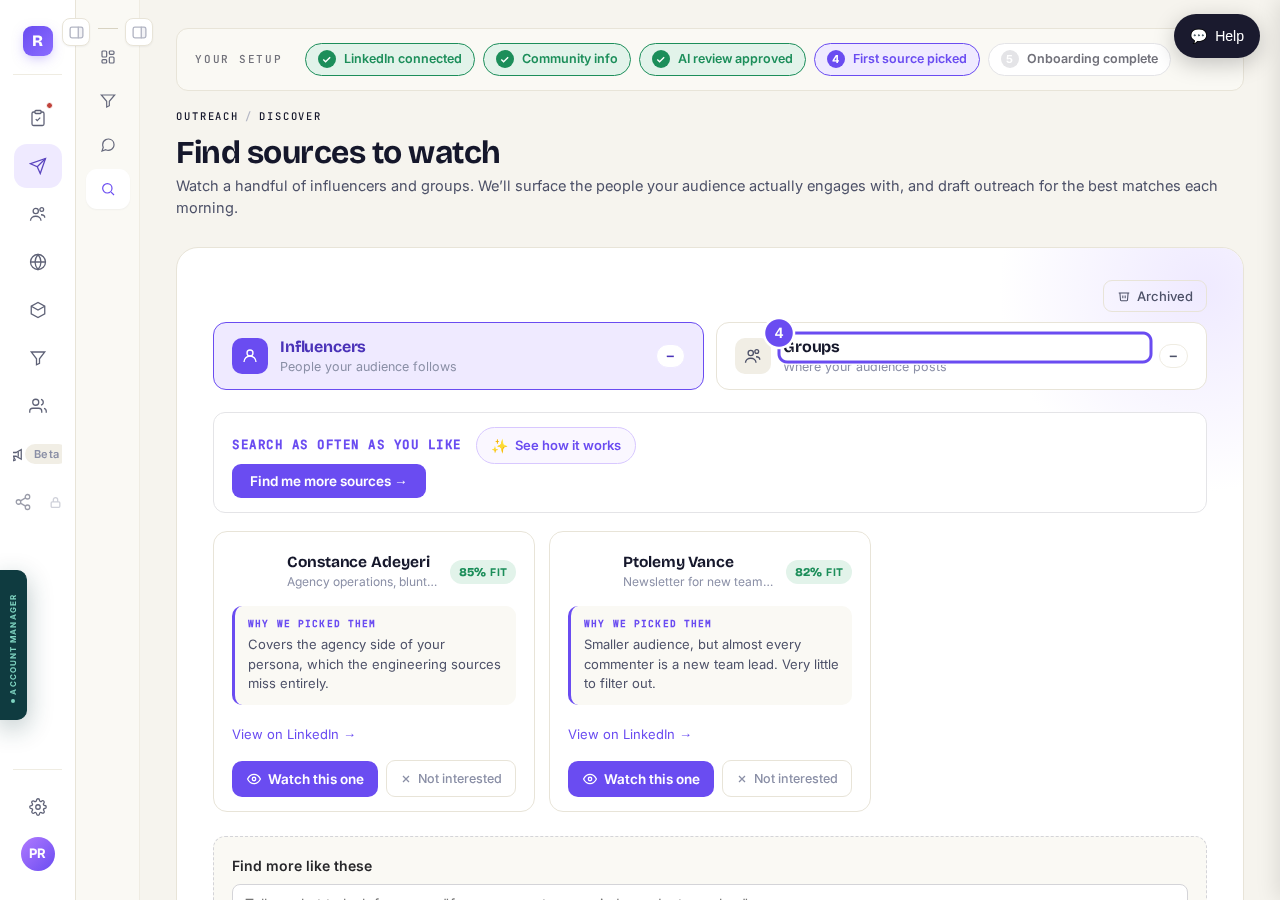
Two headings, two kinds of source. Groups is the second one.
Ask for more whenever you want
Find me more sources runs the search again, and you can say what you want in your own words. Sources you've dismissed don't come back.
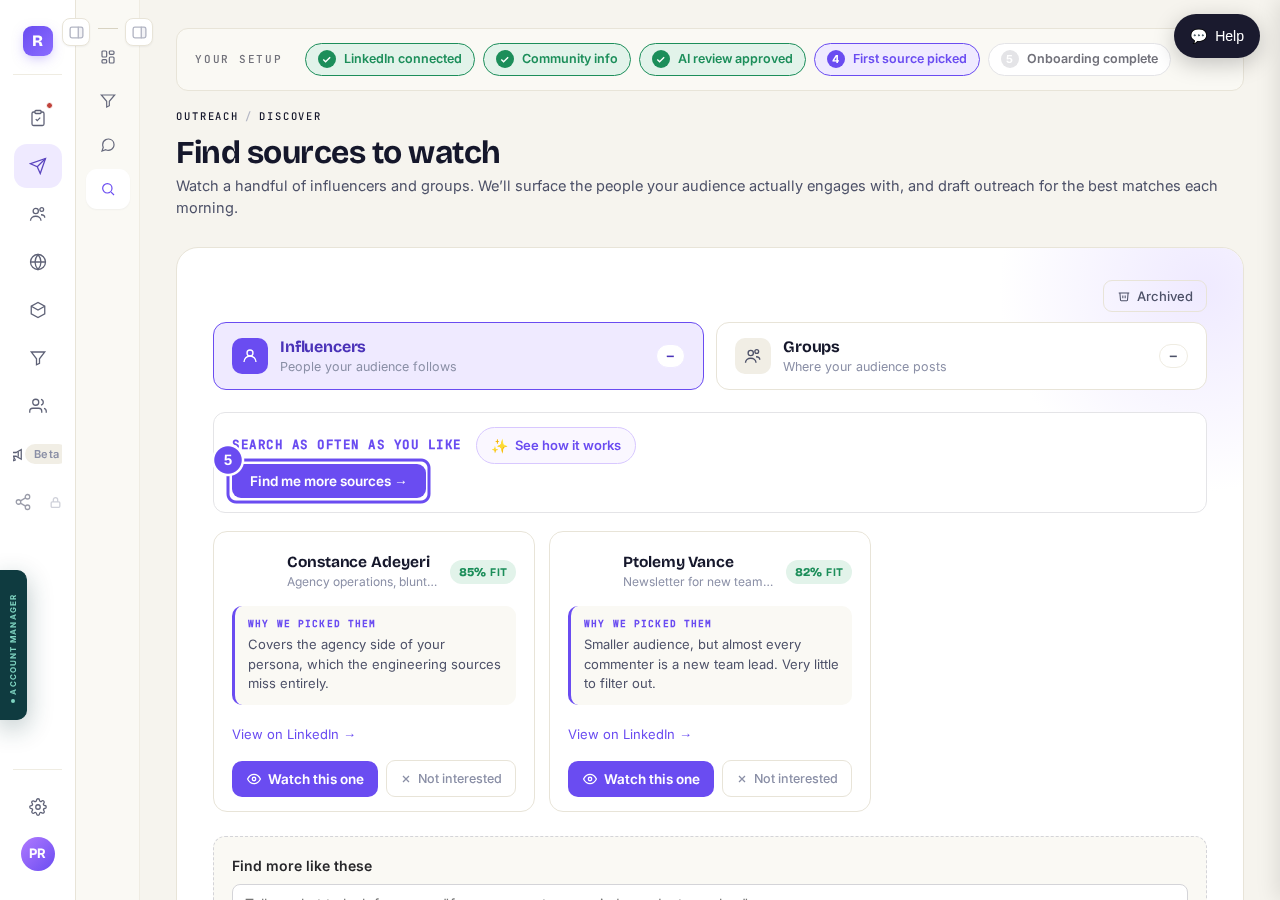
Press this to search again, and say what you want more of.
How do I see what Maya is doing for me?
Related articles
Can I use Outreach on Instagram or X?
Not yet. Today Outreach works on LinkedIn only, through your own account. Instagram and X are coming soon, and nothing you set up now is wasted.
How do I check a comment before it goes out?
Comments are written for you, then wait. Nothing is posted in your name until you read it and press Approve. About five minutes a day.
How do I see what Maya is doing for me?
Outreach runs on its own every day. The first of the four Outreach screens is where you check what it did.