
There is a plan in Maya's HQ with my name on it. What is it?
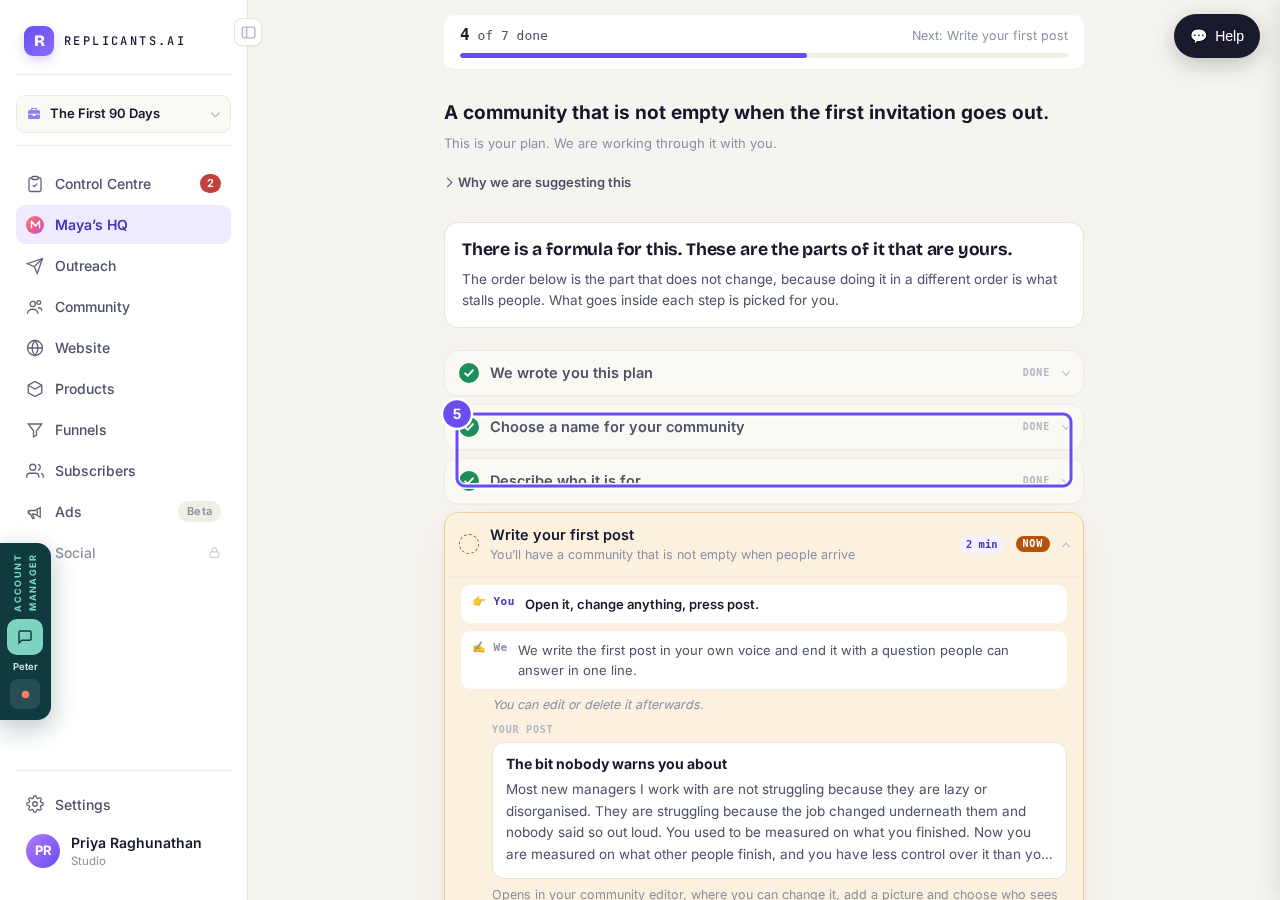
The plan we wrote for your community, and the six steps that build it. The heading reads Your plan and your community's name, not Maya's HQ.
Updated 15 September 2026
Find the row under Control Centre
Look near the top of the menu, under Control Centre. The row appears on its own once there's a plan on your account. No row means your plan is on its way, not missing.
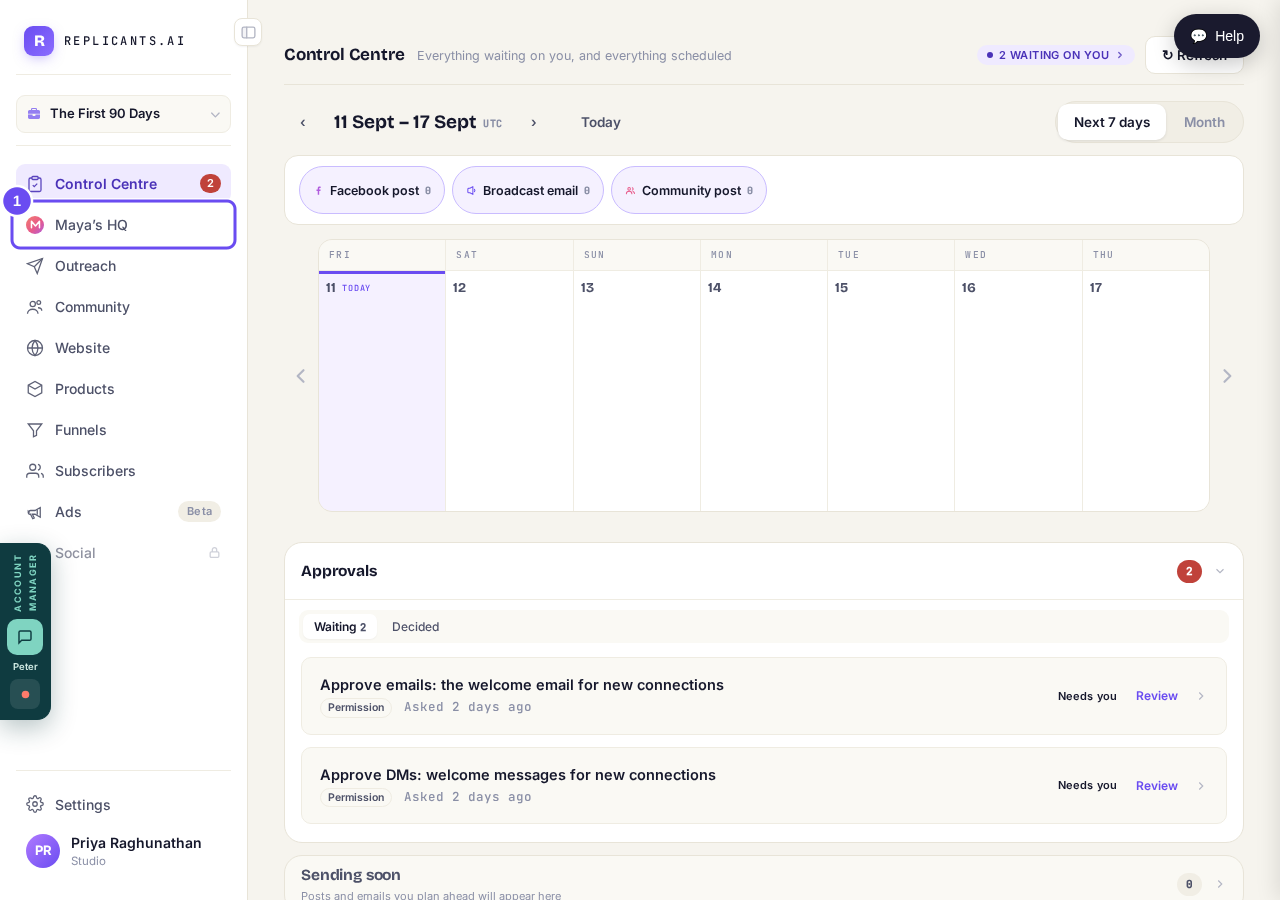
It appears on its own, once there is a plan to show you.
Read the bar at the top
The bar counts everything in the plan, the writing of it included, so it starts above zero. It counts what's true about your account, not what you pressed — a later step can already be ticked.
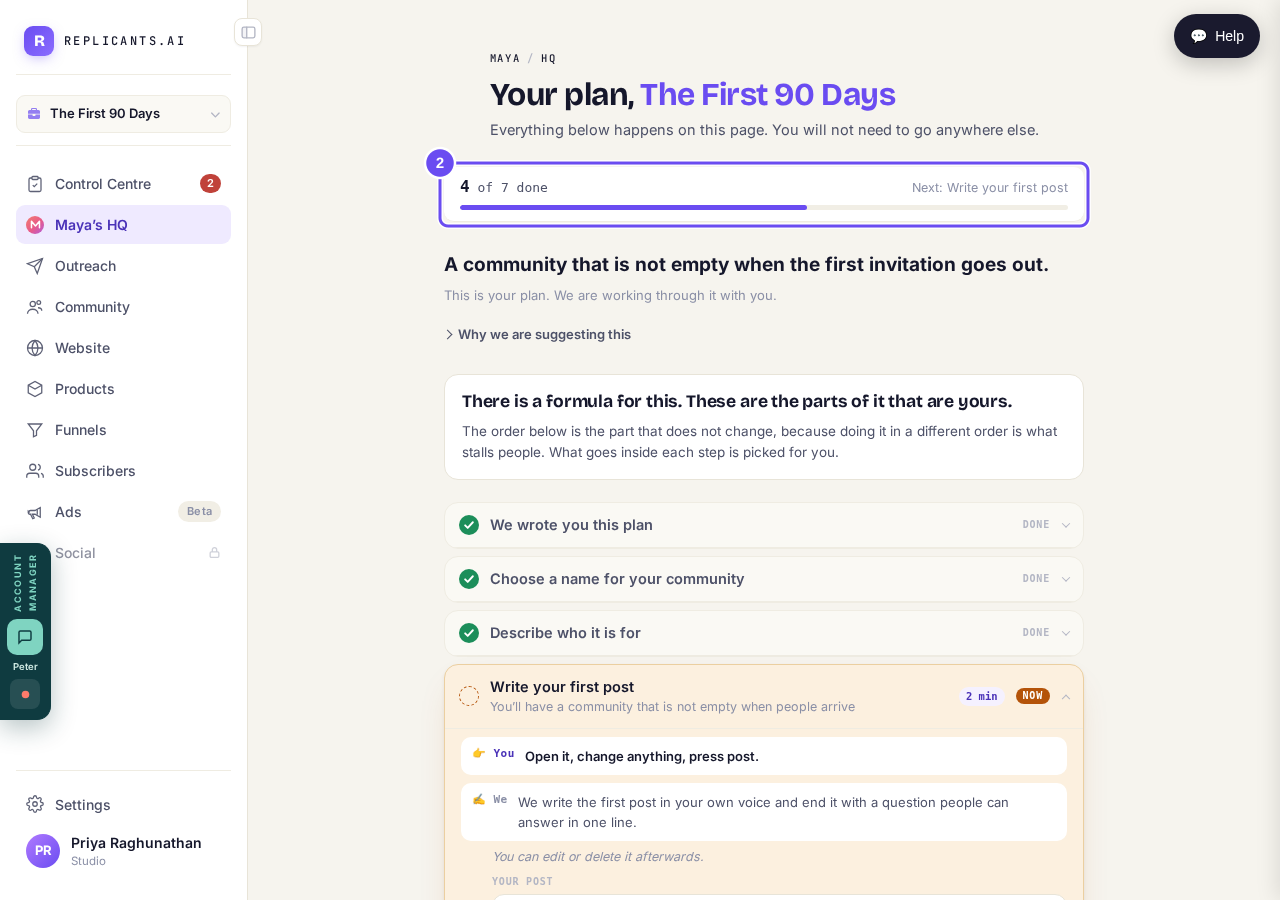
It counts what is true about your account, not what you pressed.
Read the NOW label and the times
Only the first unfinished step opens; it reads NOW. Beside each label is a time, and it's your part of the step, not ours.
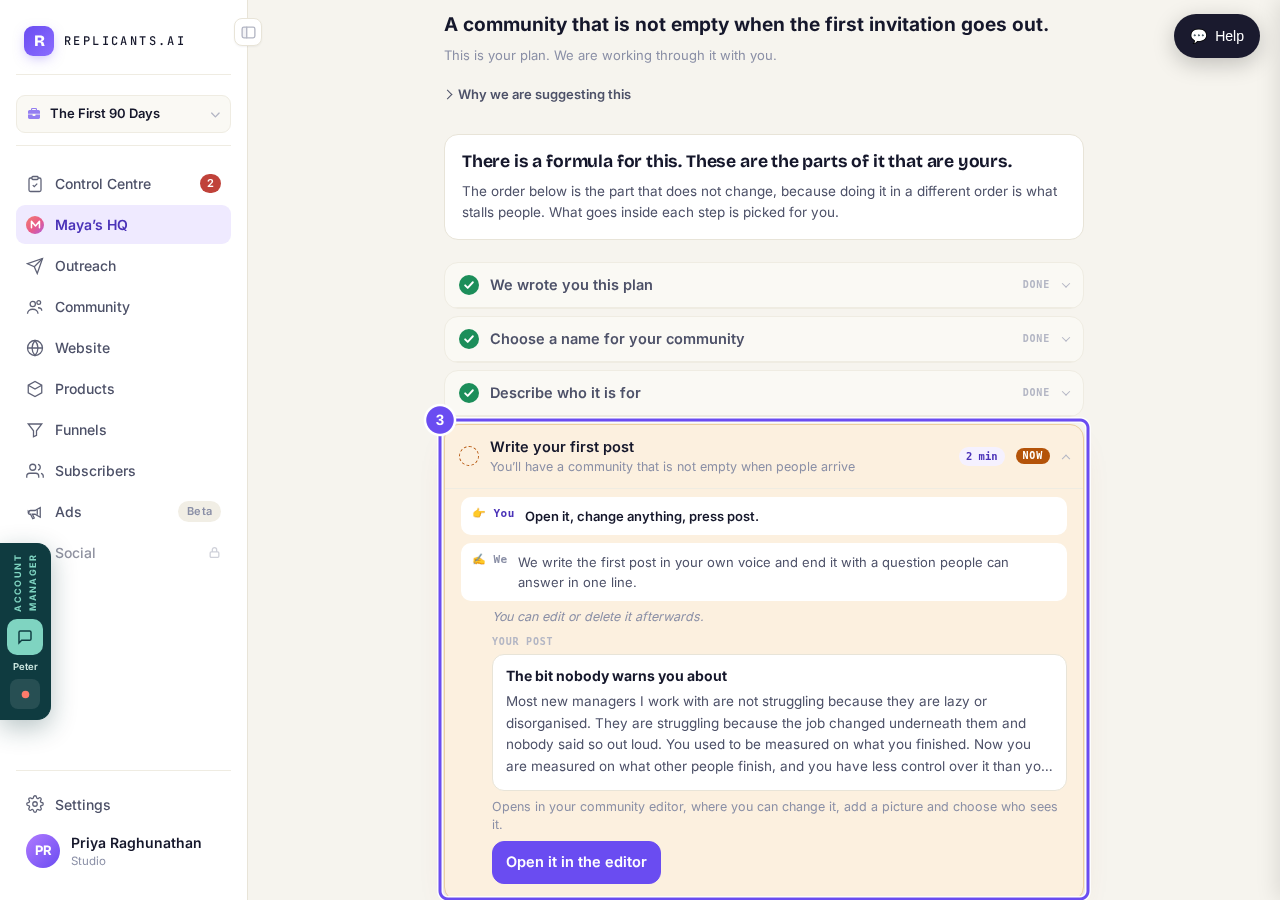
NOW on the one you are on. NEXT, THEN and LAST on the rest.
Read both halves before you press anything
Every step names both halves: what you do, and what we do. The work is already written inside the step. Press Open it in the editor — it opens on top of your plan.
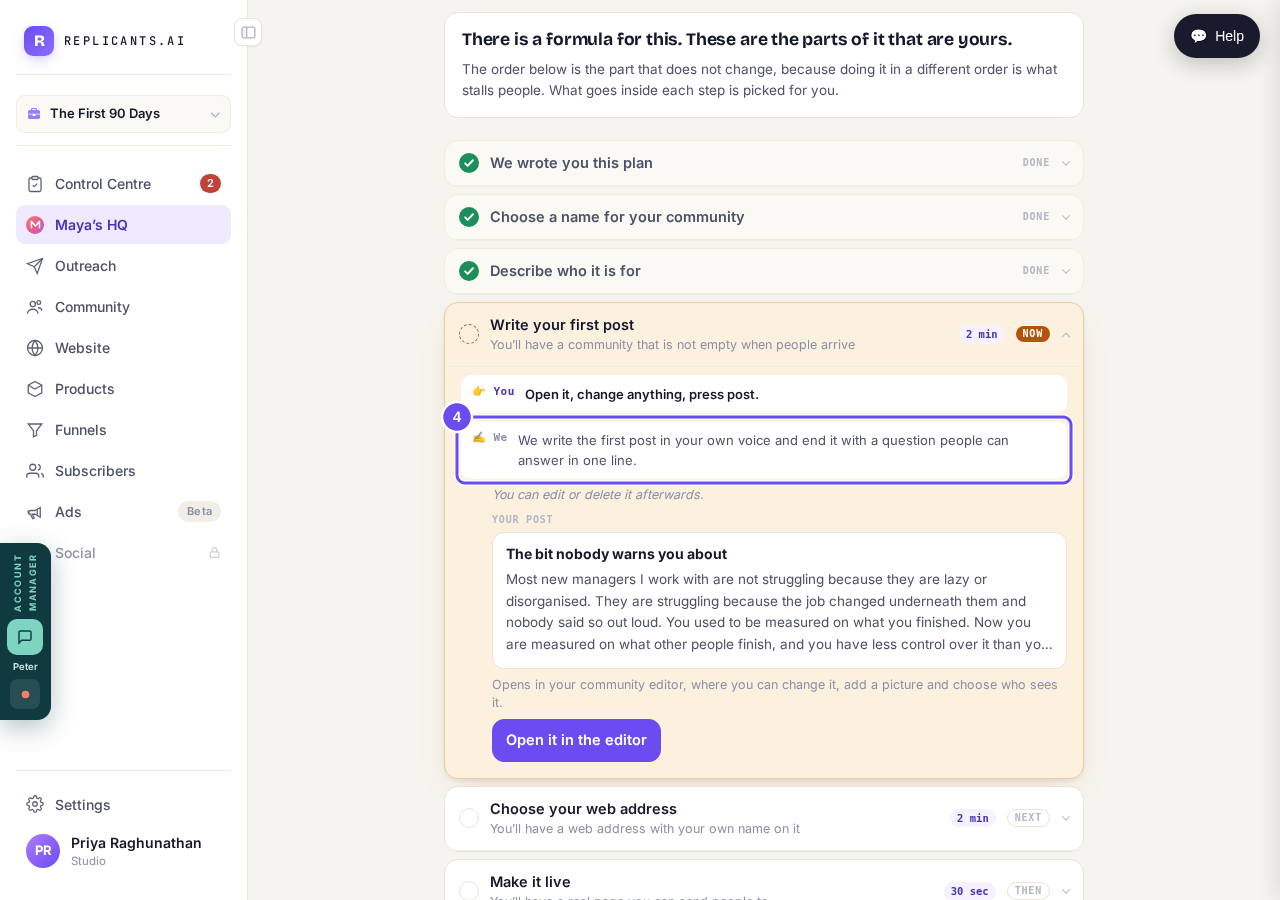
The work is already written inside the step, waiting on you.
Press Edit to change a finished step
Press Edit to change a finished step. It shows your answer in place of the instructions — the name you picked, or the description you approved.
The answer, not the instructions, with Edit beside it.
How do I get members into my community?
Related articles
I do not know where to start. What do I do first?
Start at Control Centre, the top of the menu. It shows anything waiting on you. Then open Community, the part that works on day one without you building anything.