
Where is my community link, and how do I share it?
Your link lives in Community, then Settings, at the top under Public address. It's given to you automatically, so for almost everybody it's already there.
Updated 15 September 2026
Press Copy link and paste it anywhere
That's the whole of sharing it: no separate invite link and no second address for members. Everybody you invite gets this one — an email, a WhatsApp message, a Facebook group post.
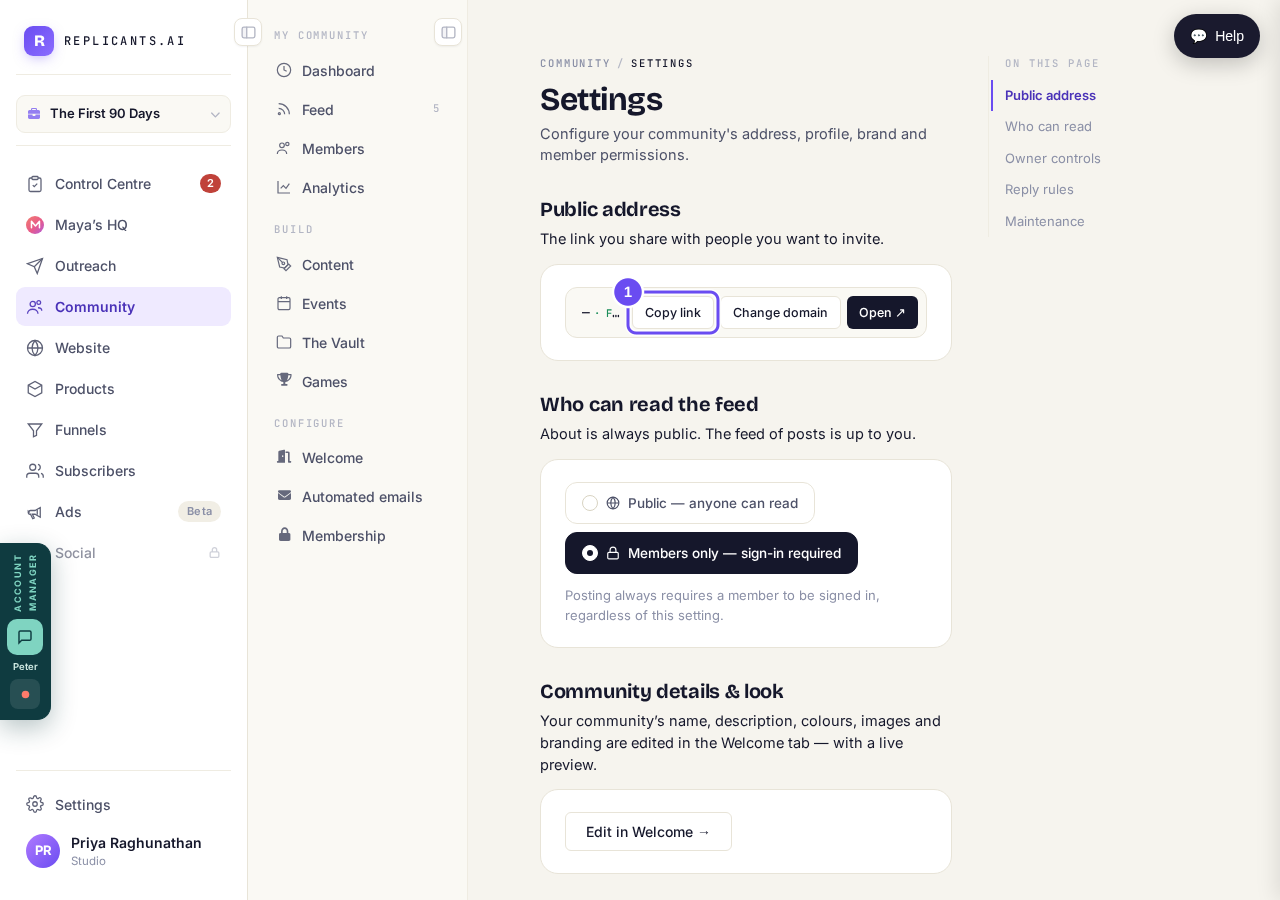
Community, then Settings. Copy link puts it on your clipboard.
Take me therePress Open before you send it
It opens your community in a new tab, the way a visitor reaches it. You see the name, the welcome words, and whether they're asked to sign in. Those words come from the Welcome page.
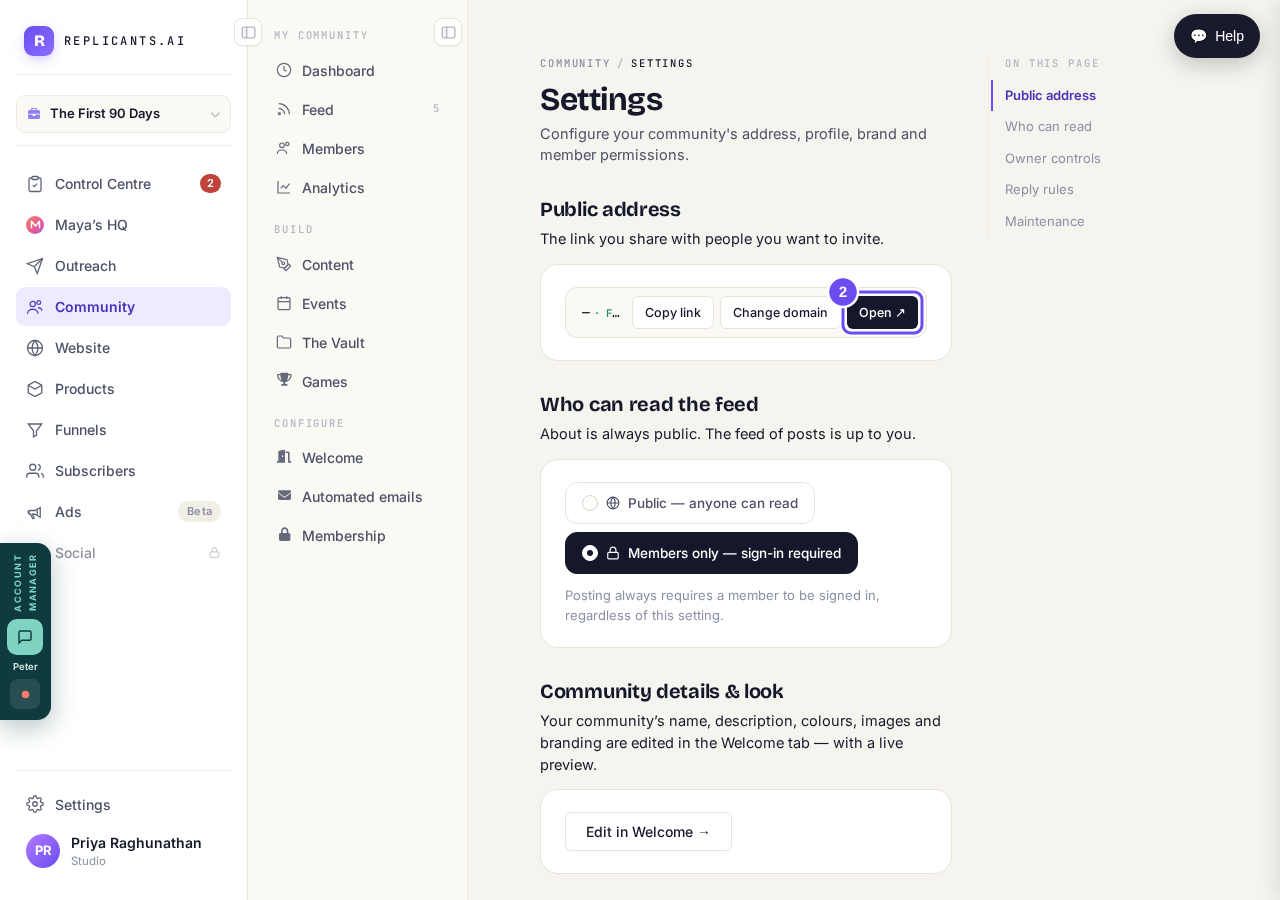
Open takes you to it the way a visitor arrives.
Take me thereChange domain, when you want your own
The free address works straight away, so start there. Moving to your own later doesn't cost you the members you've already got, so it's not something to sort out first.
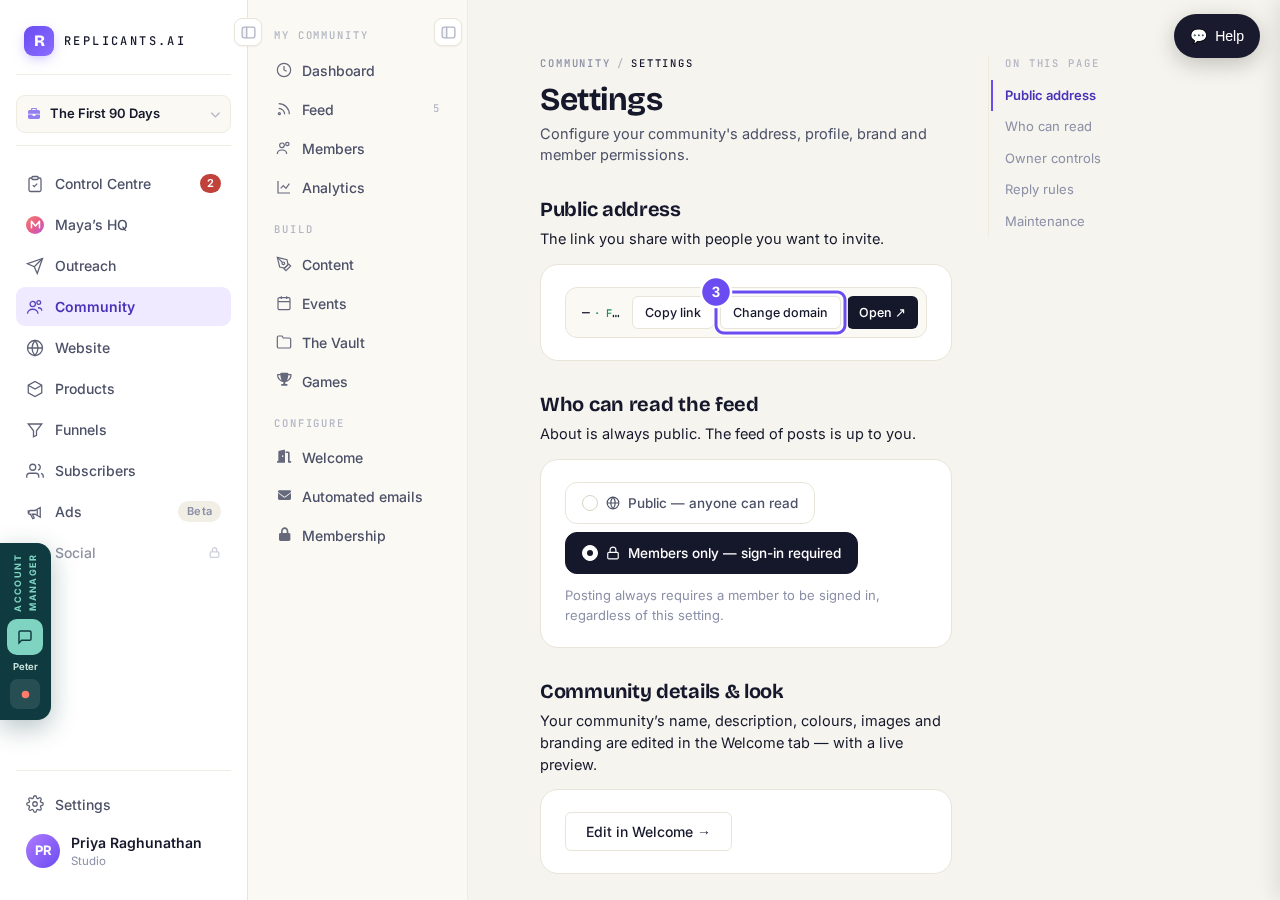
The free address works today. Your own can come later.
Take me thereIf it says Address pending, ask us
The link is blank and Copy link copies nothing. It means the address was never given out when your community was created. Nothing on screen fixes it — press Help and tell us.
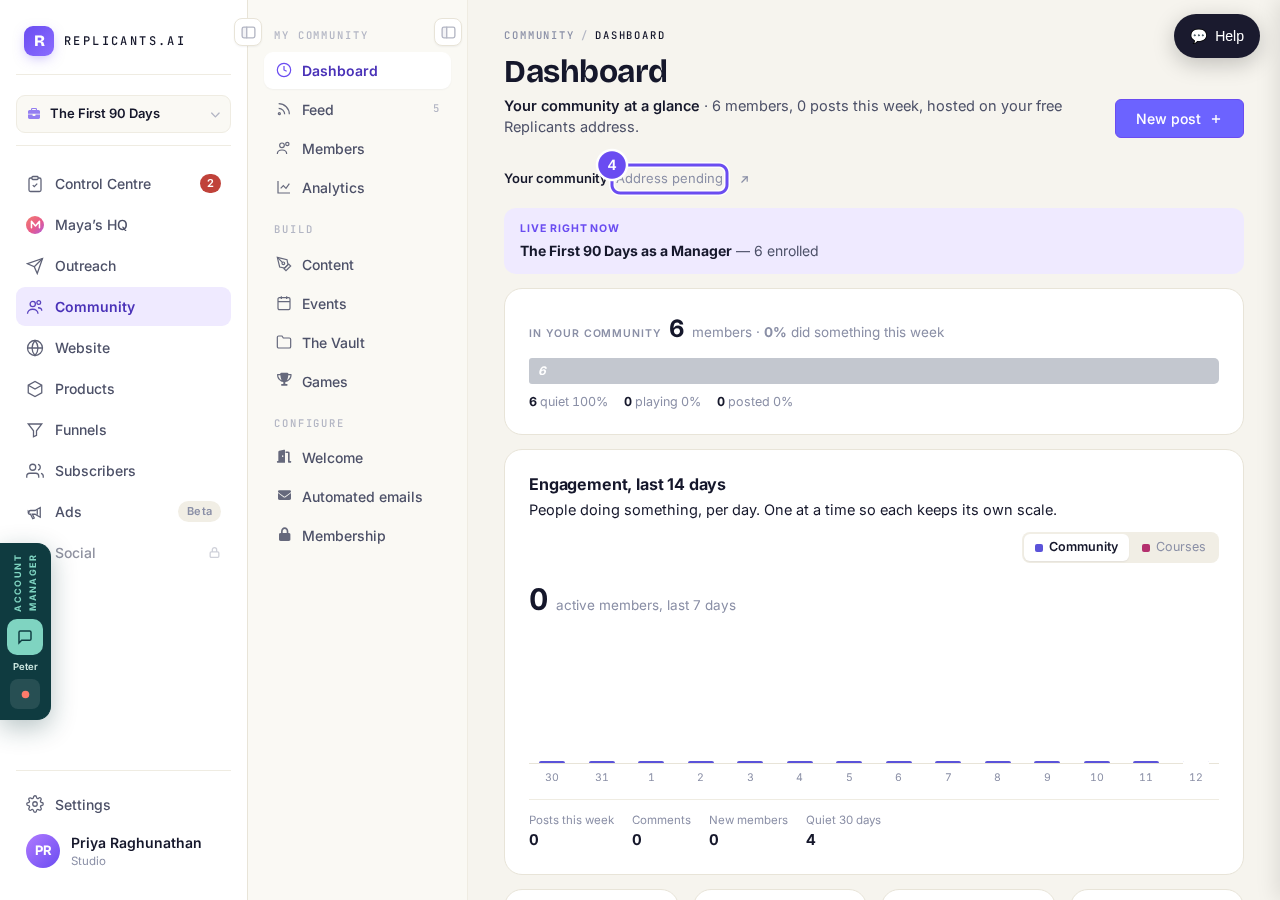
Address pending means it was never given out. Ask us rather than retrying.
Who can see my community, and can I keep it private?
Related articles
Can I check comments before they go up?
Turn on comment approval and every member comment waits for you. It's a separate switch from the one for posts.
Can I message one member privately, and can members message each other?
Message one member from Community, then Members. Their reply comes back to that screen, not your email. Members messaging each other is a separate setting.
Can I read what members post before it goes up?
Yes — one setting. Off, member posts appear at once. On, nothing appears until you've read it. The waiting ones don't sit in the Feed.